> ## Documentation Index
> Fetch the complete documentation index at: https://docs.voicebot.studio/llms.txt
> Use this file to discover all available pages before exploring further.
# Phone Numbers
> Configure and manage phone numbers for your virtual assistants
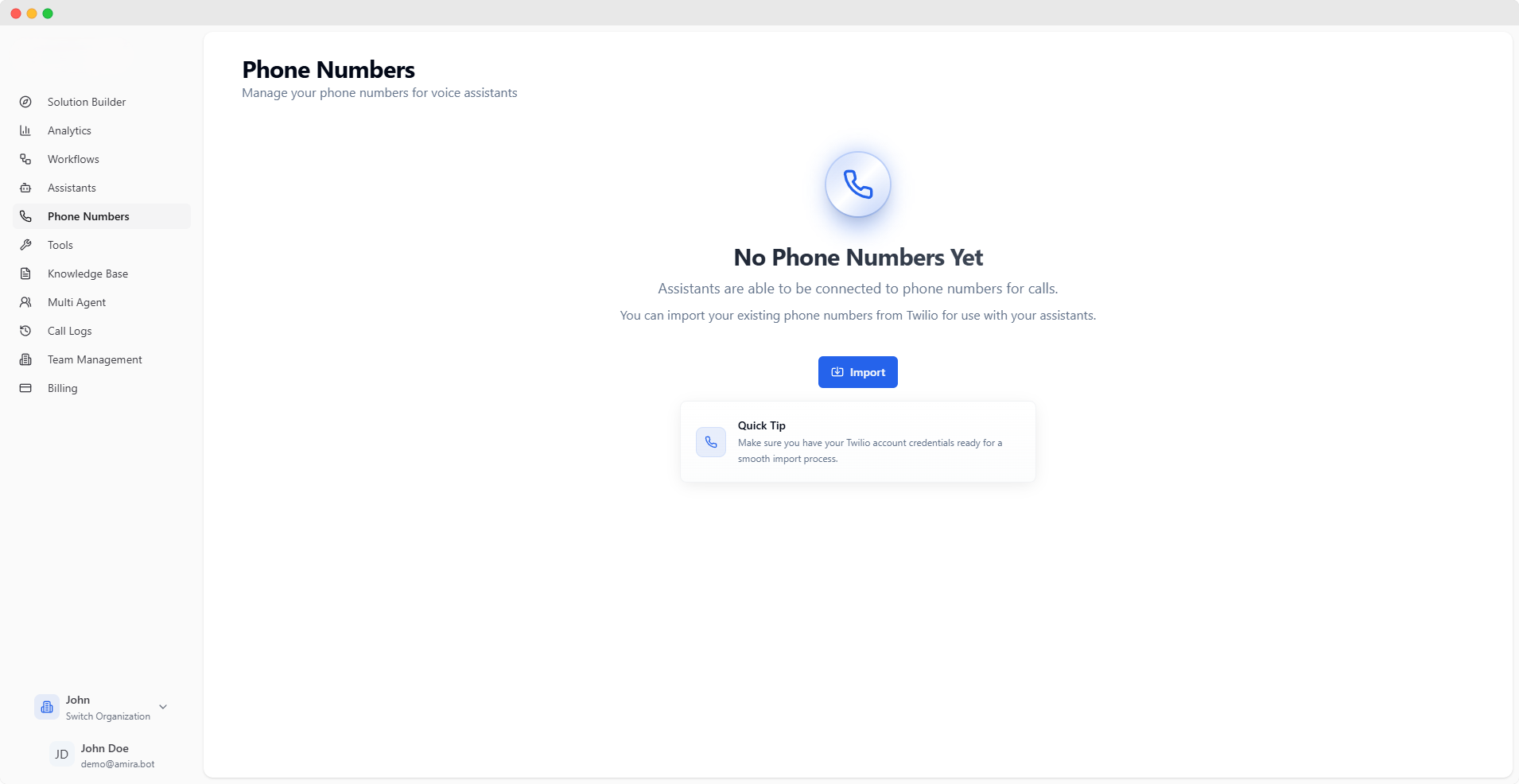 ## Importing Phone Numbers
Import your Twilio phone numbers to enable voice capabilities for your assistants.
You'll need an active Twilio account with phone numbers to proceed. Make sure you have your Twilio credentials ready.
### Import Configuration
Your Twilio phone number with country code (e.g., +49...)
Your Twilio Account SID starting with "AC"
Example: ACxxxxxxxxxxxxxxxxxxxxxxxxxxxxxxxx
Your Twilio Auth Token (kept secure and encrypted)
A descriptive label to identify this phone number
## Phone Number Management
Each imported phone number can be configured for both inbound and outbound calls.
## Importing Phone Numbers
Import your Twilio phone numbers to enable voice capabilities for your assistants.
You'll need an active Twilio account with phone numbers to proceed. Make sure you have your Twilio credentials ready.
### Import Configuration
Your Twilio phone number with country code (e.g., +49...)
Your Twilio Account SID starting with "AC"
Example: ACxxxxxxxxxxxxxxxxxxxxxxxxxxxxxxxx
Your Twilio Auth Token (kept secure and encrypted)
A descriptive label to identify this phone number
## Phone Number Management
Each imported phone number can be configured for both inbound and outbound calls.
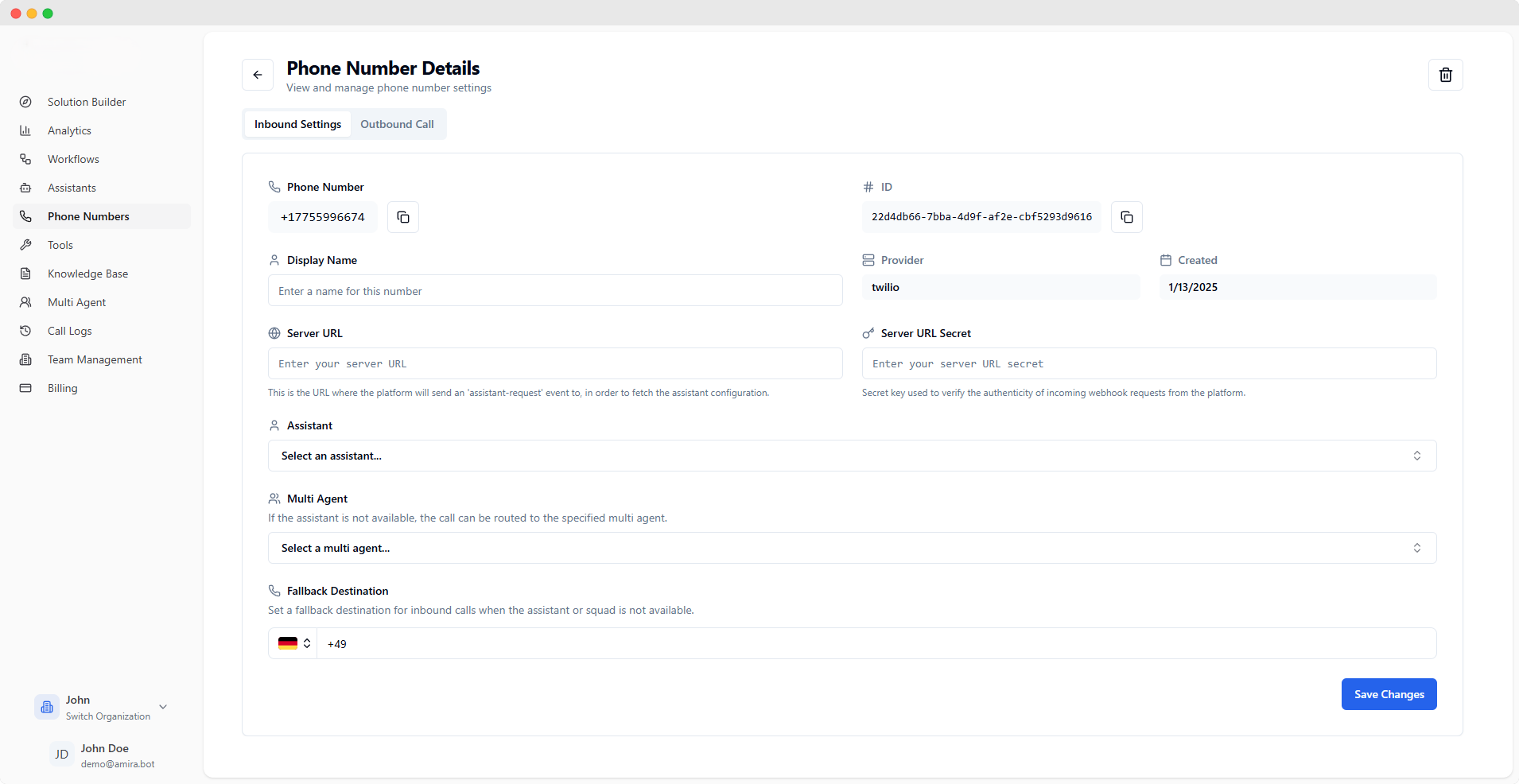 ### Inbound Call Configuration
Your active phone number (click to copy)
Unique identifier for this phone number configuration
Example: 22d4db66-7bba-4d9f-af2e-cbf5293d9616
A friendly name for this phone number configuration
Your telephony provider (e.g., Twilio)
Creation date of this configuration
### Server Configuration
Endpoint for receiving assistant configuration requests
The platform sends an 'assistant-request' event to this URL to fetch assistant settings.
Secret key for webhook authentication
Used to verify incoming webhook requests from the platform.
### Call Routing
Select the primary assistant for handling inbound calls
Optional backup squad for handling calls when the primary assistant is unavailable
Phone number for routing calls when neither assistant nor squad is available
### Inbound Call Configuration
Your active phone number (click to copy)
Unique identifier for this phone number configuration
Example: 22d4db66-7bba-4d9f-af2e-cbf5293d9616
A friendly name for this phone number configuration
Your telephony provider (e.g., Twilio)
Creation date of this configuration
### Server Configuration
Endpoint for receiving assistant configuration requests
The platform sends an 'assistant-request' event to this URL to fetch assistant settings.
Secret key for webhook authentication
Used to verify incoming webhook requests from the platform.
### Call Routing
Select the primary assistant for handling inbound calls
Optional backup squad for handling calls when the primary assistant is unavailable
Phone number for routing calls when neither assistant nor squad is available
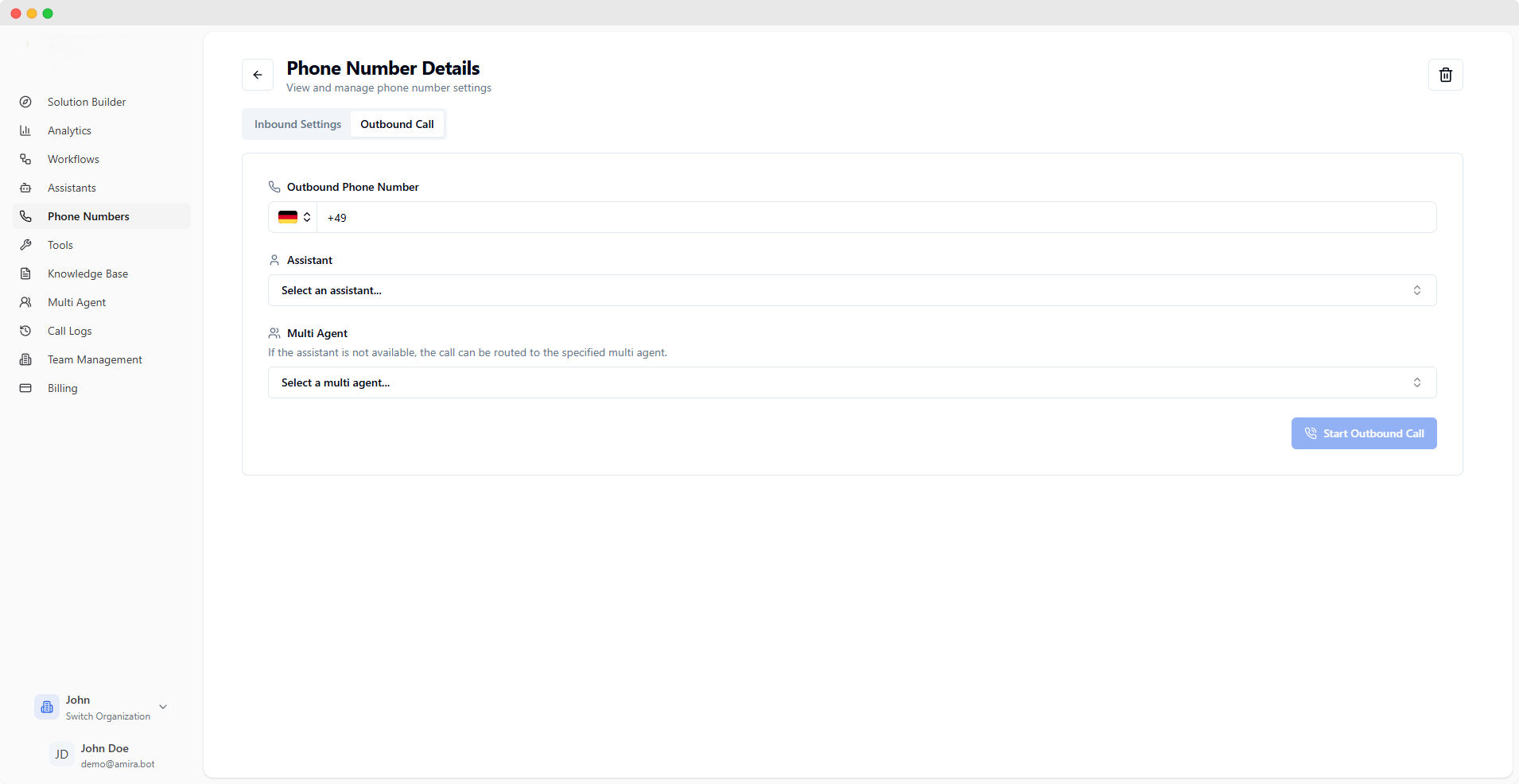 ### Outbound Call Configuration
Phone number to use for making outbound calls
Assistant to handle outbound call conversations
Backup squad for outbound calls when the assistant is unavailable
You can add multiple phone numbers to your account, each with its own configuration for inbound and outbound calls.
### Outbound Call Configuration
Phone number to use for making outbound calls
Assistant to handle outbound call conversations
Backup squad for outbound calls when the assistant is unavailable
You can add multiple phone numbers to your account, each with its own configuration for inbound and outbound calls.