
Main Interface
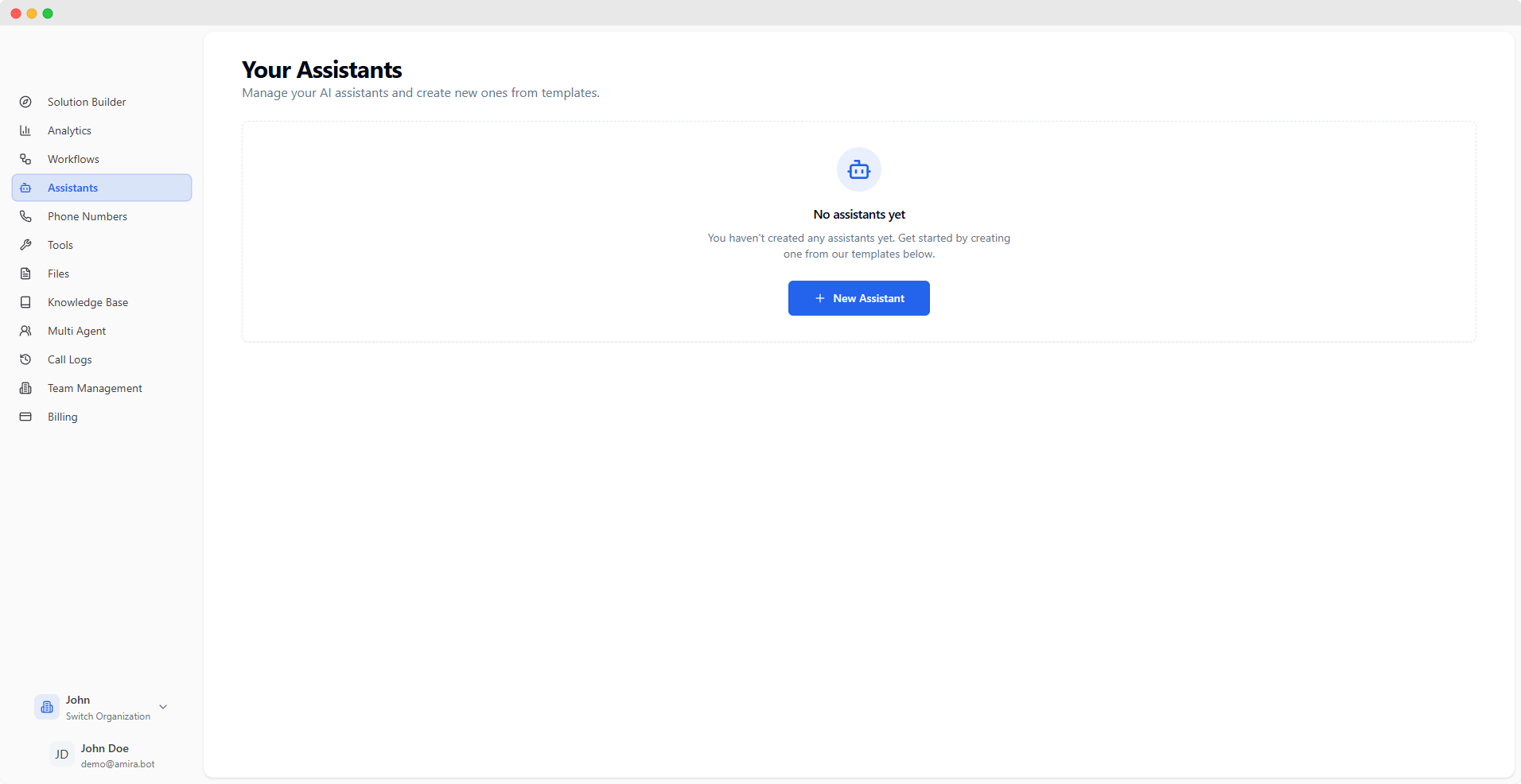
Configuration Tabs
- Behavior
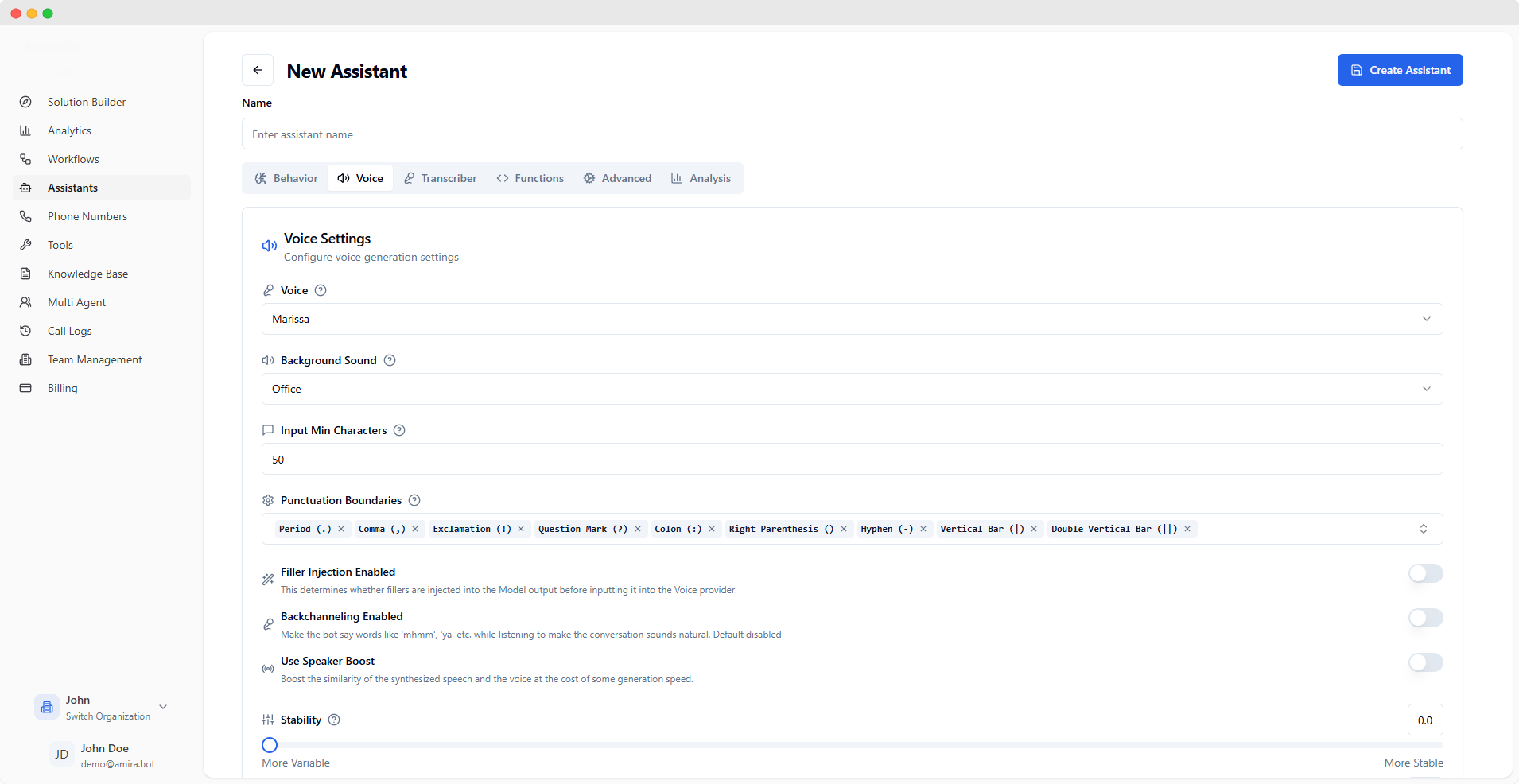
- Voice
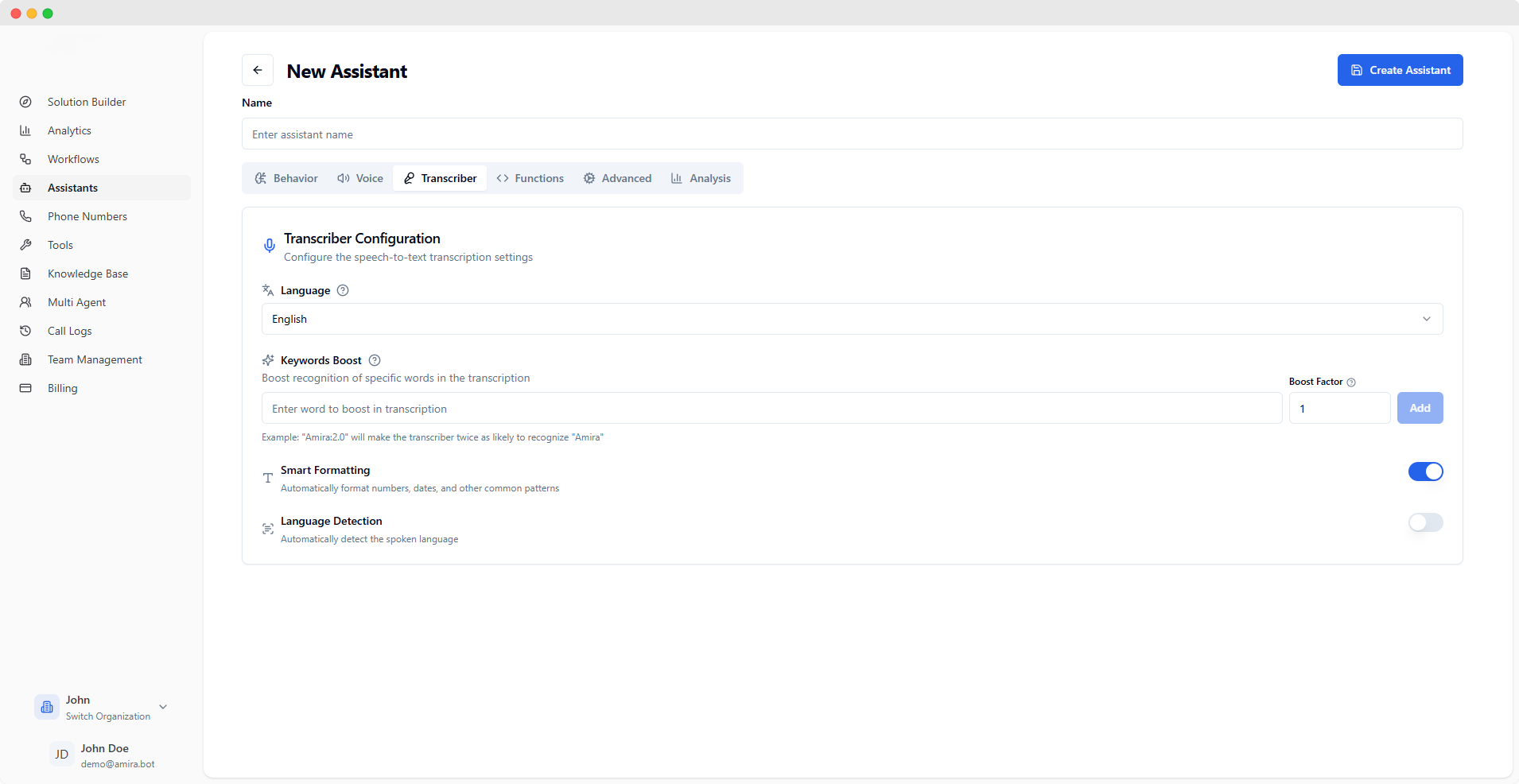
- Transcriber
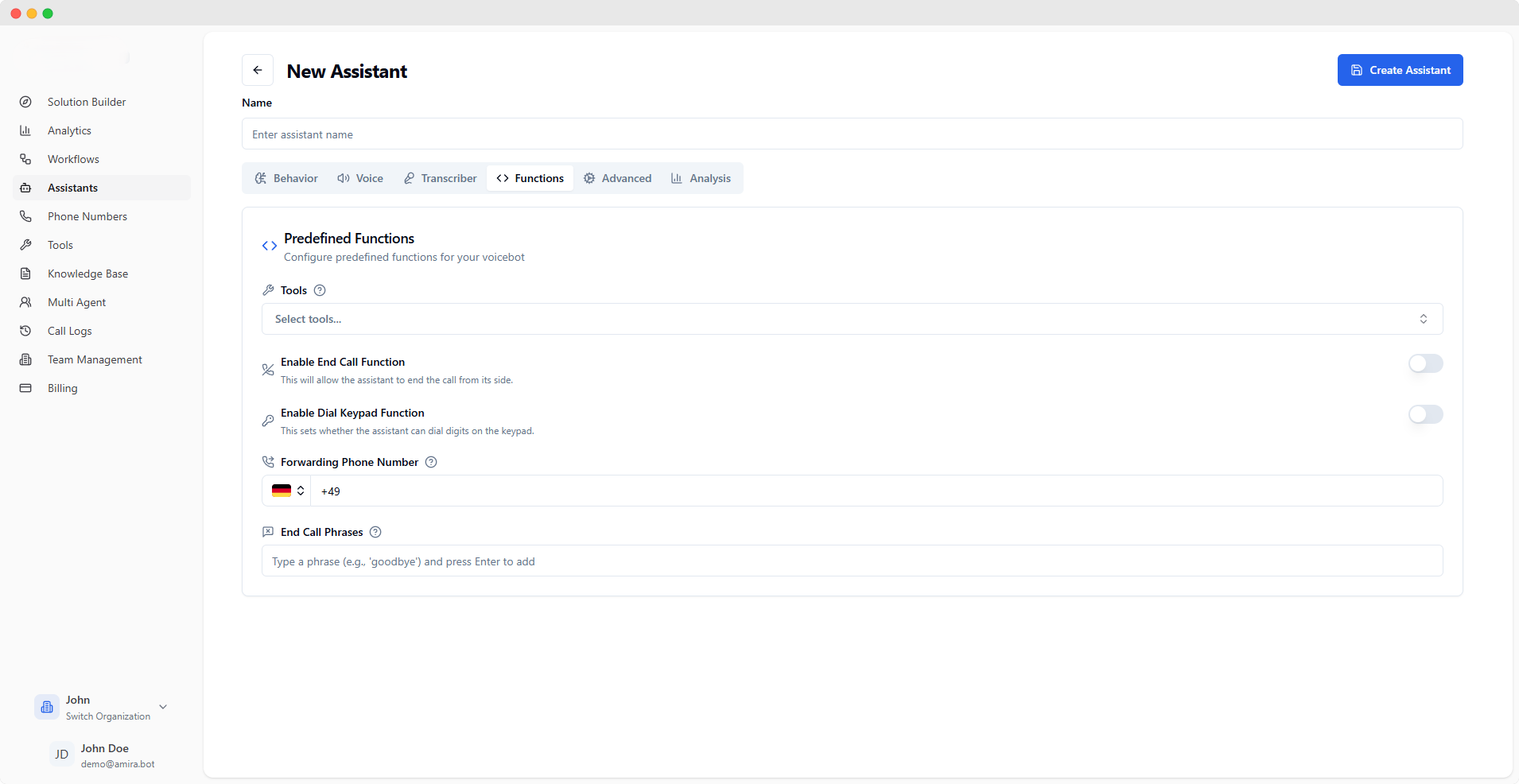
- Functions
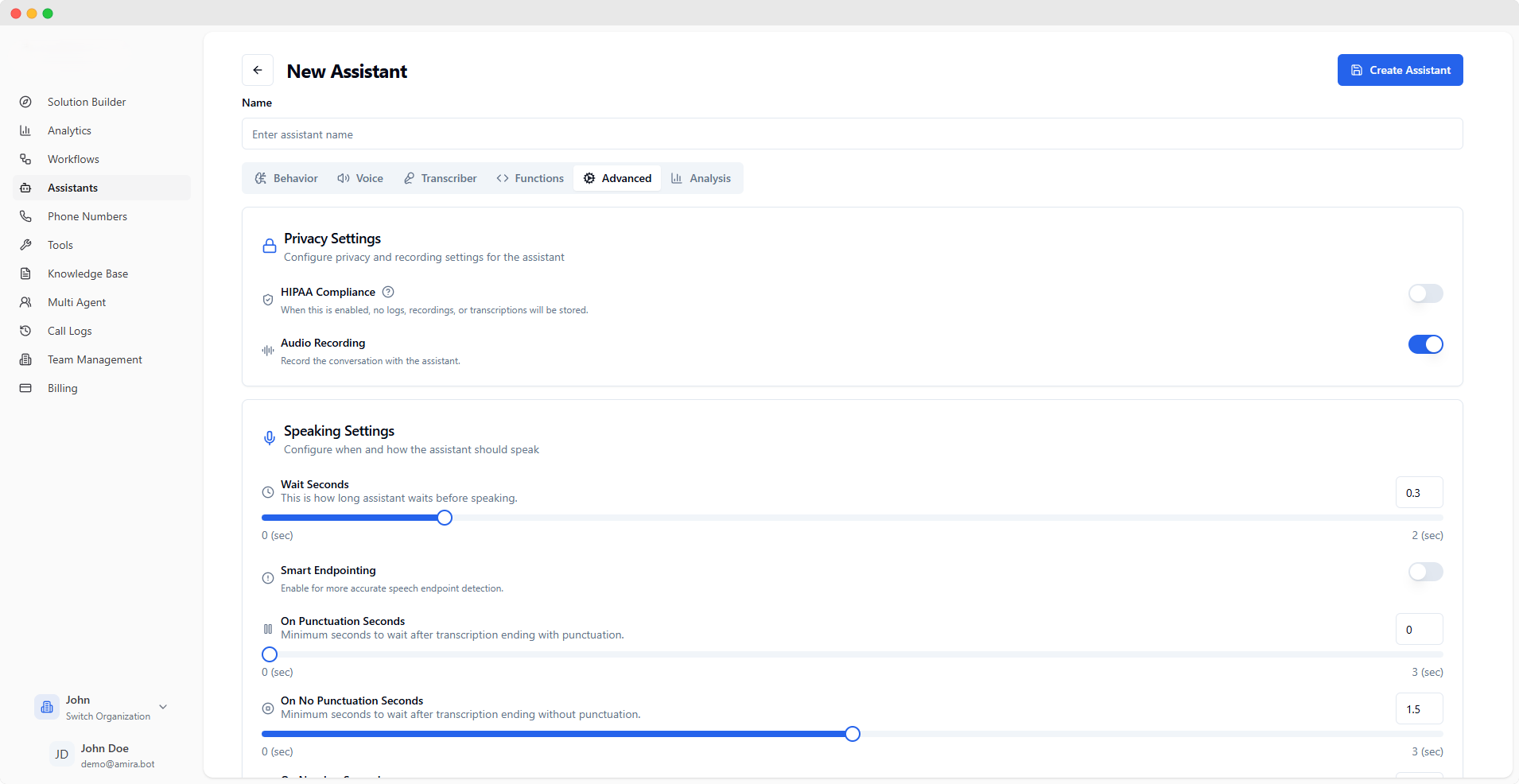
- Advanced
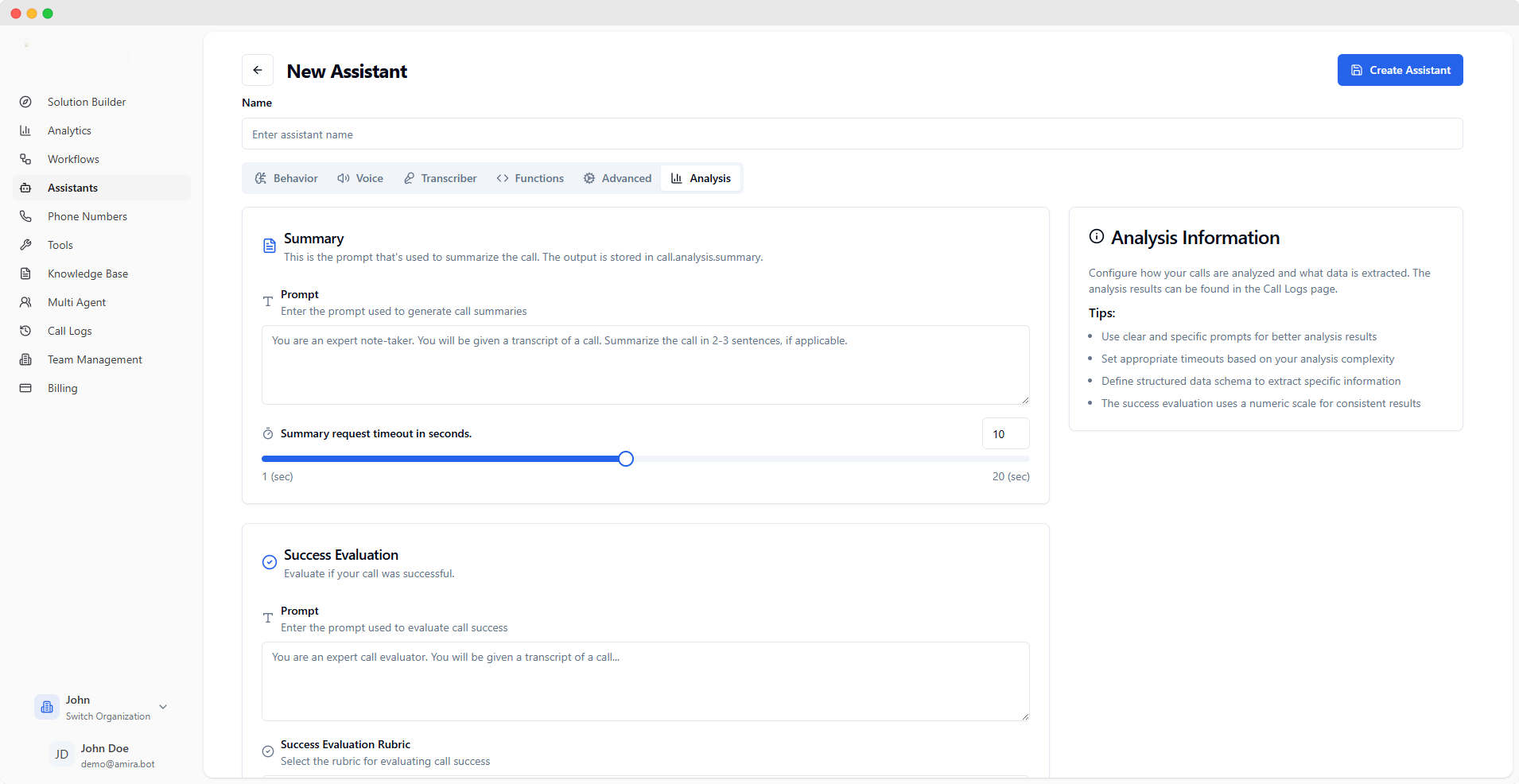
- Analysis
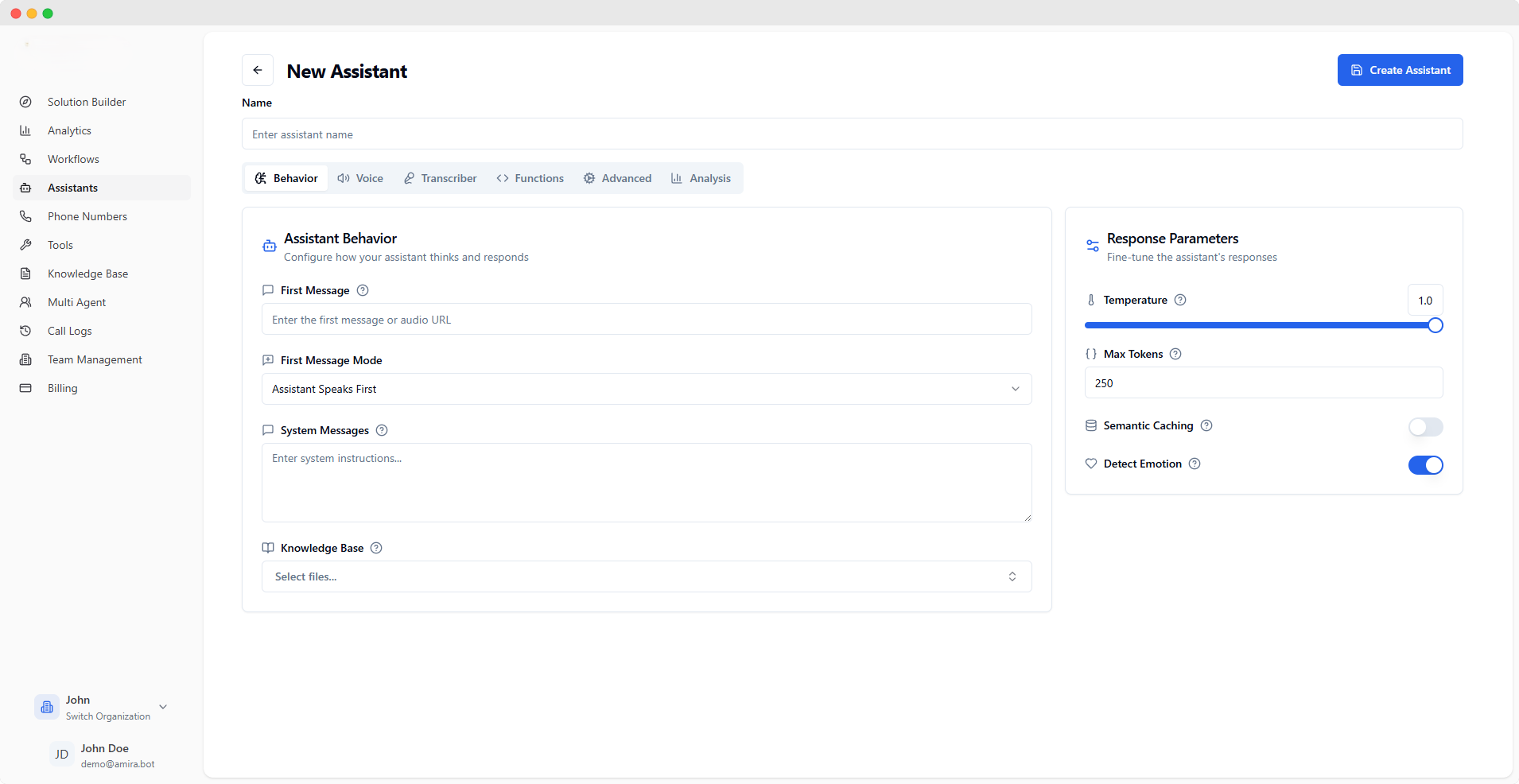
Initial Configuration
string
The opening message your assistant will use. You can enter text for a spoken message or provide an audio file URL (supports mp3, wav formats) for a pre-recorded greeting.
select
Choose how your assistant starts conversations:
- Assistant Waits for User: Remains silent until the user speaks first
- Assistant Speaks First: Begins with the specified first message
- Assistant Speaks First (Generated): Creates a contextual opening message automatically
Context & Knowledge
textarea
Define your assistant’s core behavior and personality. These instructions shape how the assistant understands and responds throughout conversations. Think of it as setting the ground rules for your assistant’s behavior.
select
Select documents your assistant can reference during conversations. This helps your assistant provide accurate, context-aware responses based on your specific content. Manage your documents in the Knowledge Base section.
Response Configuration
slider
default:"0.7"
Controls how creative your assistant’s responses are:
- Lower (0.0-0.3): More focused, consistent responses
- Medium (0.4-0.7): Balanced creativity
- Higher (0.8-1.0): More varied, creative responses
number
default:"250"
Limits the length of your assistant’s responses. A higher number allows for longer, more detailed responses, while a lower number keeps responses concise. One token is approximately 4 characters.
Advanced Options
switch
Improves response speed by remembering answers to similar questions. When enabled, your assistant can quickly provide consistent answers to frequently asked questions.
switch
Allows your assistant to recognize user emotions (like happiness, frustration, or confusion) and adjust responses accordingly for more empathetic interactions.
Changes to assistant configurations take effect immediately for new conversations.