
Document Management
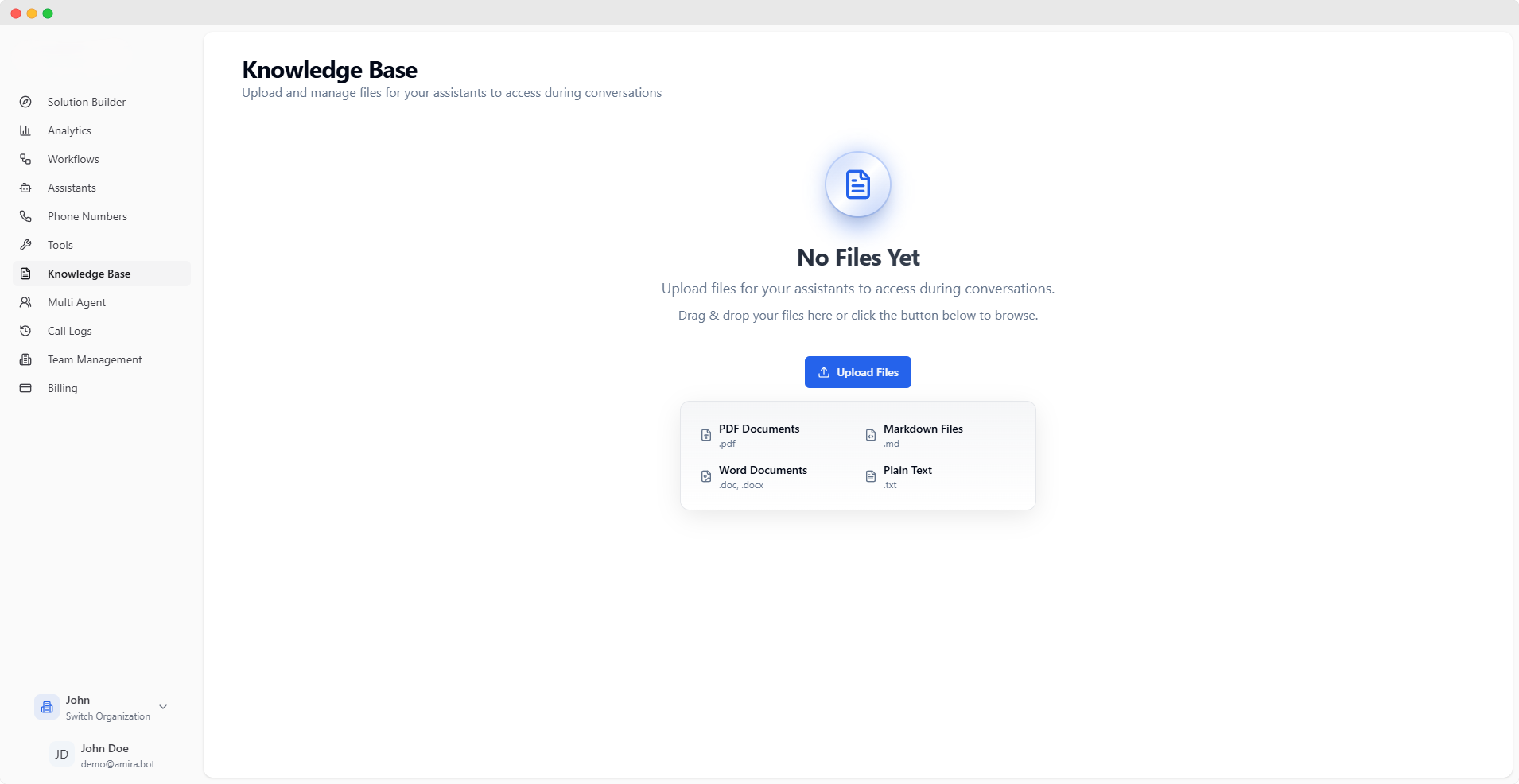
Upload and manage documents that your assistants can reference during conversations. These documents serve as a knowledge source for more accurate and contextual responses.Files uploaded to the knowledge base are processed and made available to your assistants automatically.
Supported File Types
PDF Documents
Professional documentation and reportsSupported extension:
.pdfMarkdown Files
Technical documentation and guidesSupported extension:
.mdWord Documents
Business documents and reportsSupported extensions:
.doc, .docxPlain Text
Simple text documents and notesSupported extension:
.txtFile Upload
Upload Methods
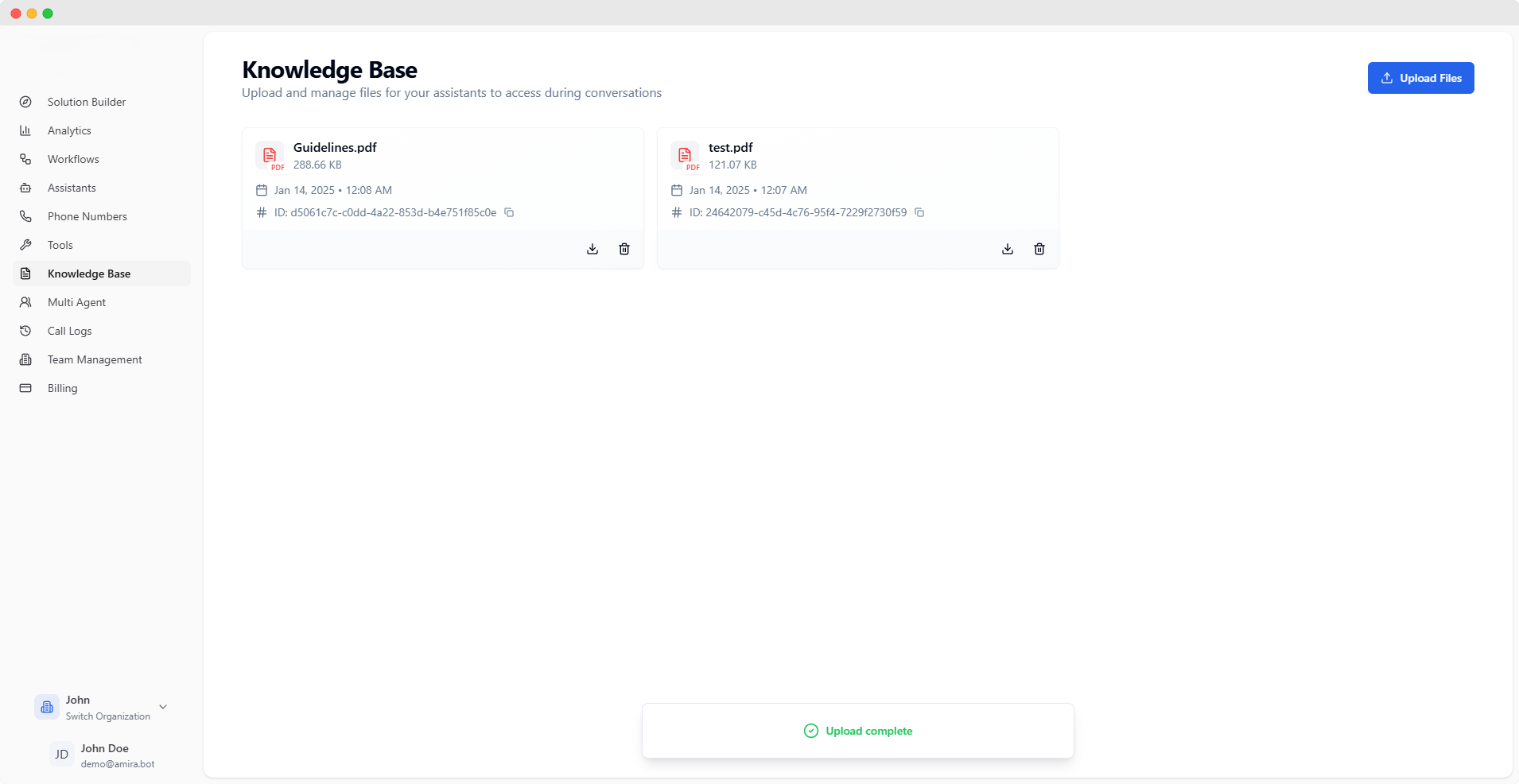
Drag & Drop
Simply drag your files onto the upload areaFiles will be processed sequentially
File Browser
Click ‘Upload Files’ to select multiple filesChoose files from your computer
File Management
After upload, you can:- View uploaded files
- Download files for reference
- Delete individual files
- Monitor processing status
Best Practices
File Organization
Keep related documents together for better context
Regular Updates
Keep your knowledge base current and relevant
Quality Content
Ensure documents are clear and well-formatted
For optimal results, ensure your documents are well-formatted and contain clear, relevant information that your assistants can reference during conversations.