
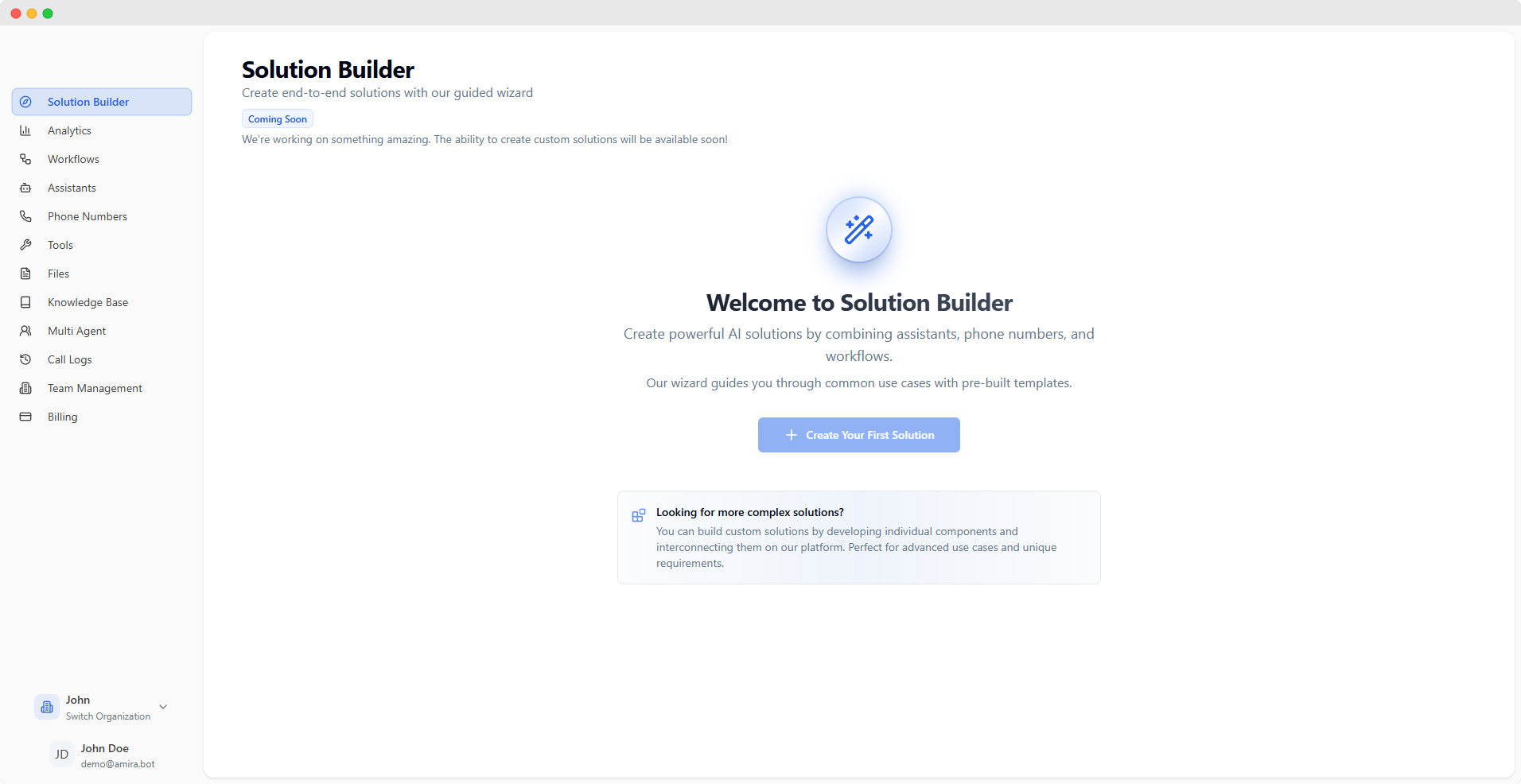
Getting Started
1
Sign Up
Create your account at app.voicebot.studio
2
Verify Email
Check your inbox and verify your email address
3
Start Building
You’ll be automatically enrolled in the free plan and can start building your first voice AI solution
Dashboard Features
Analytics
Track performance and usage metrics
Workflows
Create visual workflows for complex interactions
Assistants
Configure and manage AI assistants
Phone Numbers
Manage voice connectivity and routing
Multi-Agent
Orchestrate multiple AI agents
Call Logs
Review detailed call history and analytics
Tools
Create custom tools and functions
Knowledge Base
Manage context and data sources
Team
Manage team access and permissions
Settings
Configure account and API settings
Key Features in Action
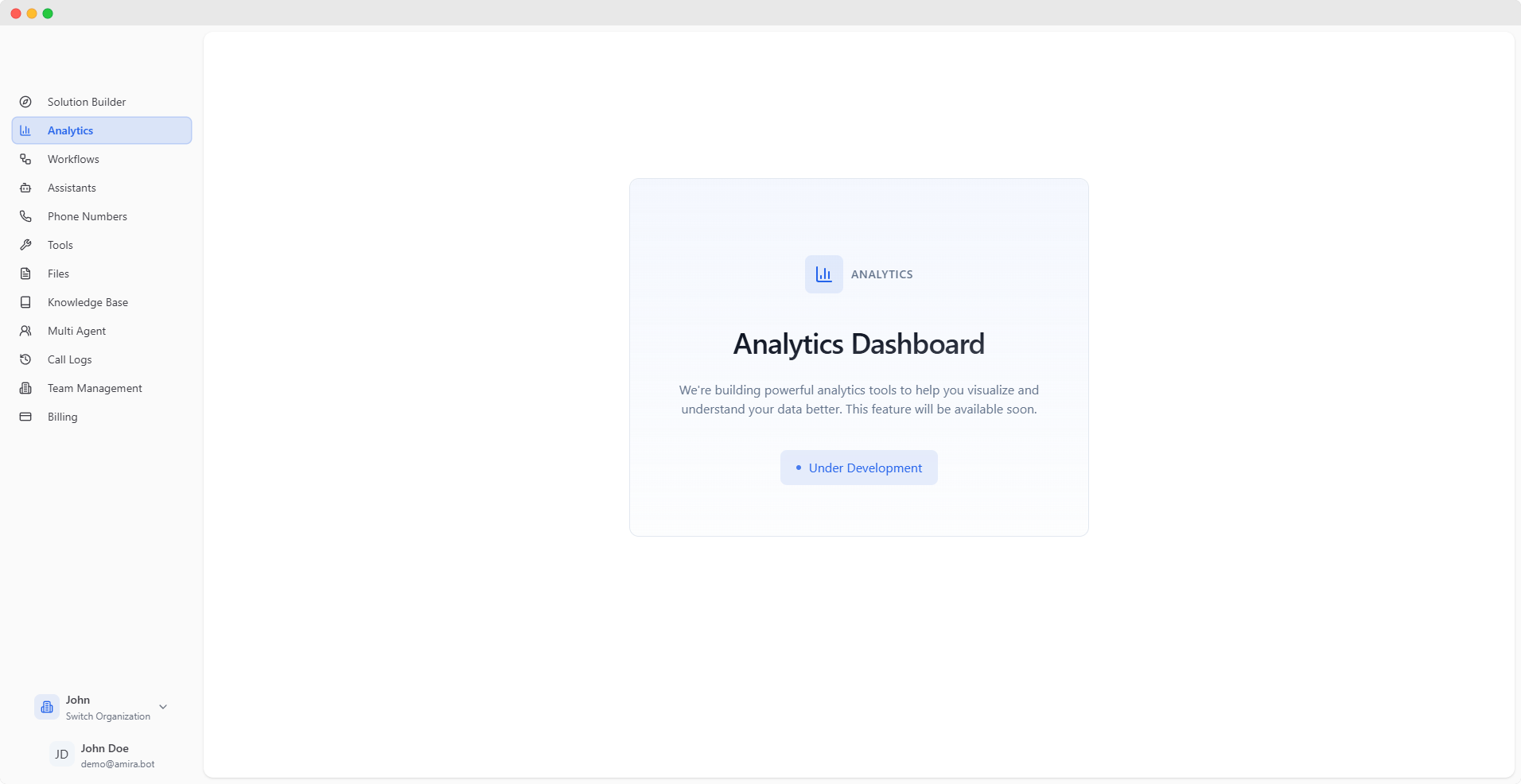
Analytics Dashboard
Analytics Dashboard
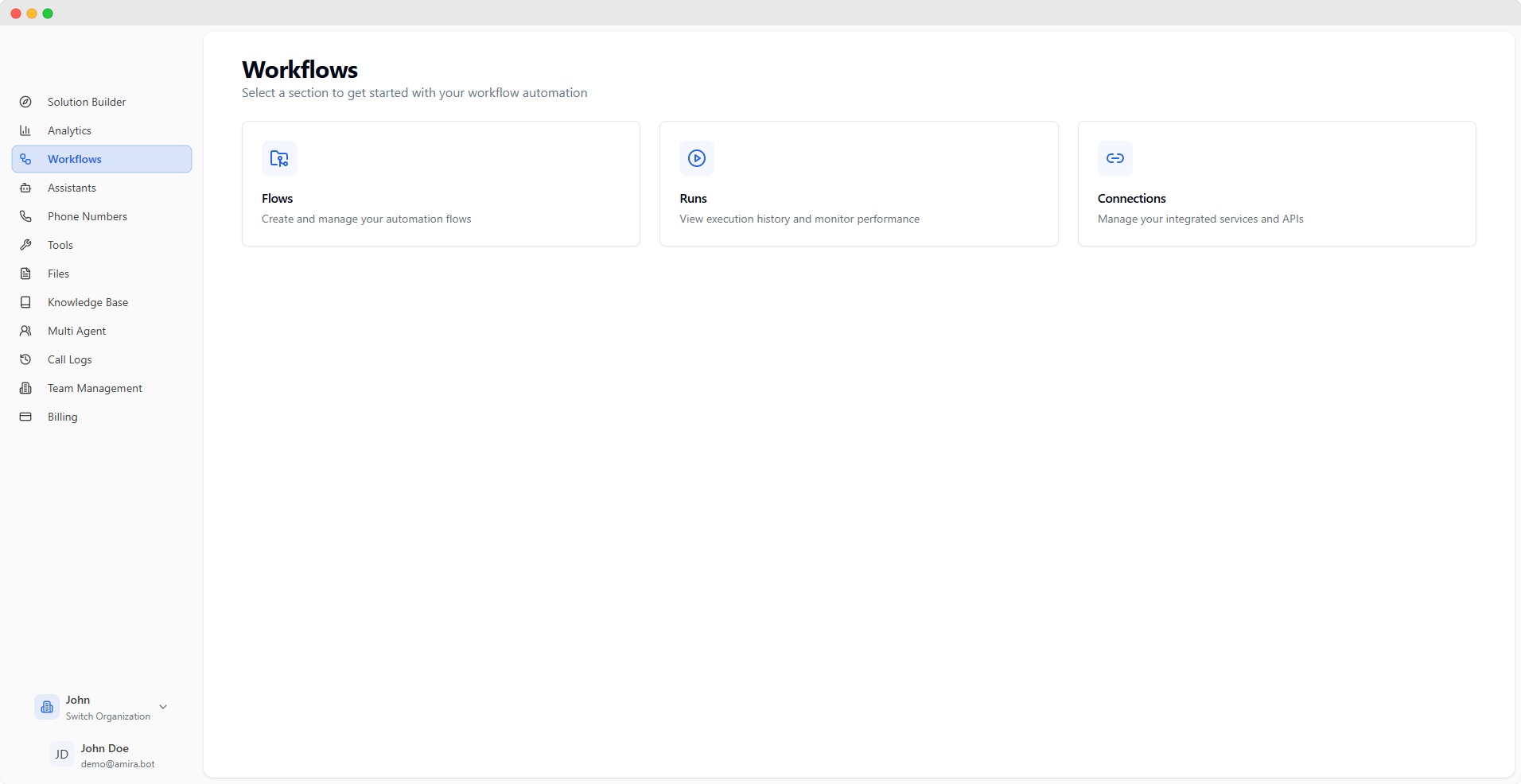
Workflow Editor
Workflow Editor
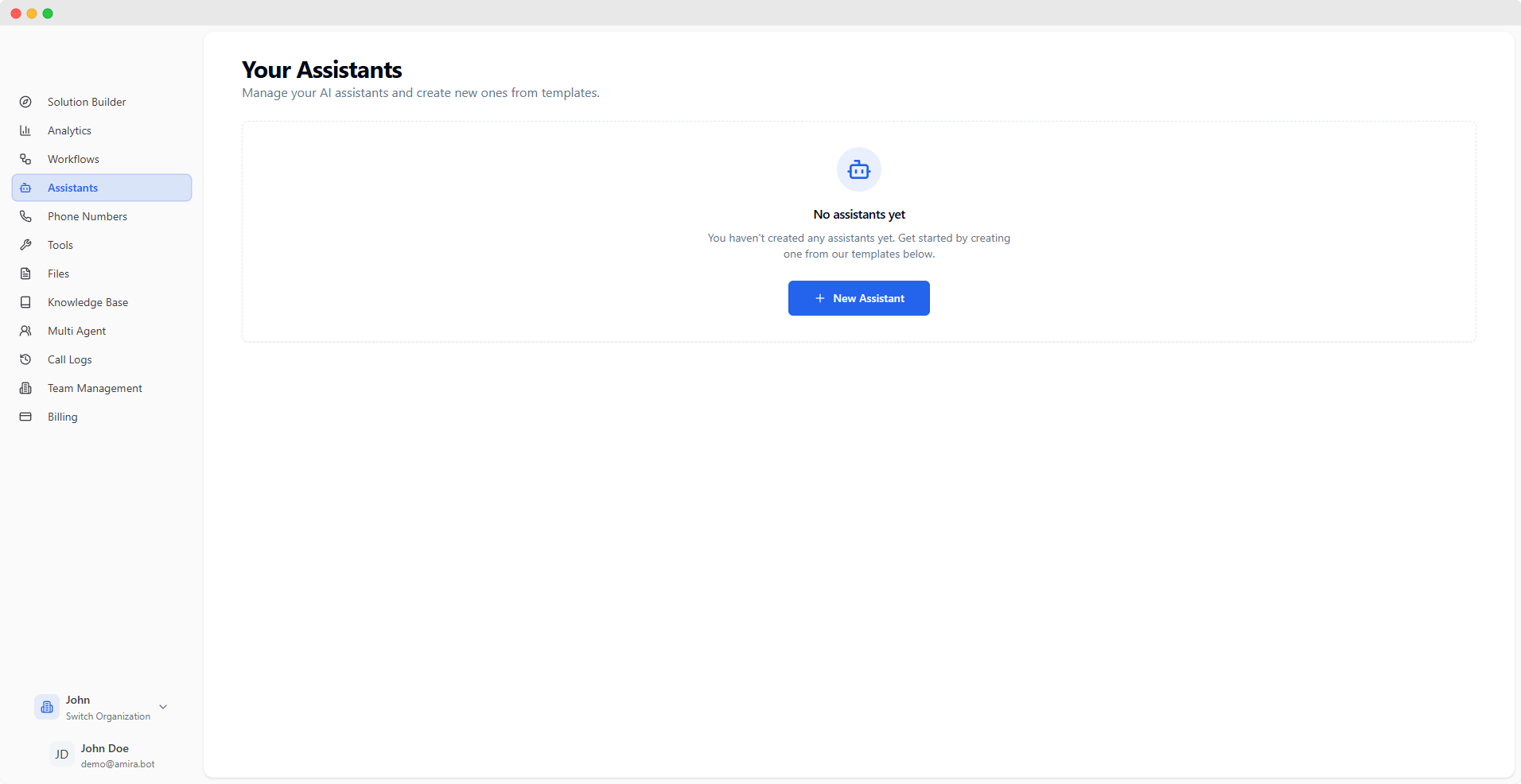
Assistant Management
Assistant Management
Navigation
Security & Authentication
Session Management
- 4-hour session tokens
- Secure password reset
- Multi-factor authentication support
API Access
- Generate API keys
- Role-based permissions
- Secure token management
For detailed information about specific features, please navigate to their respective sections in the documentation.