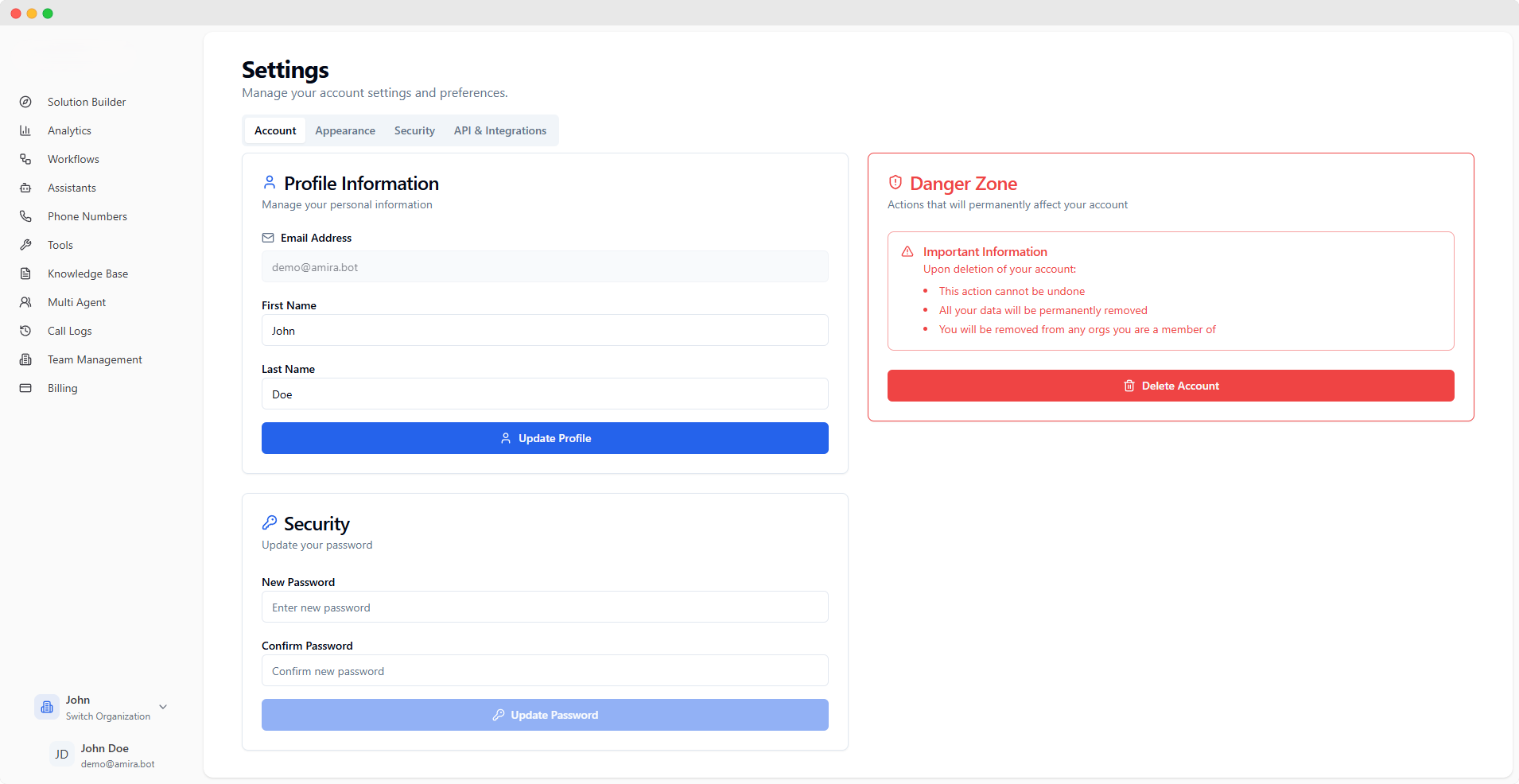
Manage and update your personal information. Email address cannot be modified as it’s tied to your account authentication.
Account Details Available fields:
Email Address (read-only)
First Name
Last Name
Field Validation
Email is locked and displayed
Names can be updated
Changes saved automatically
Password Management
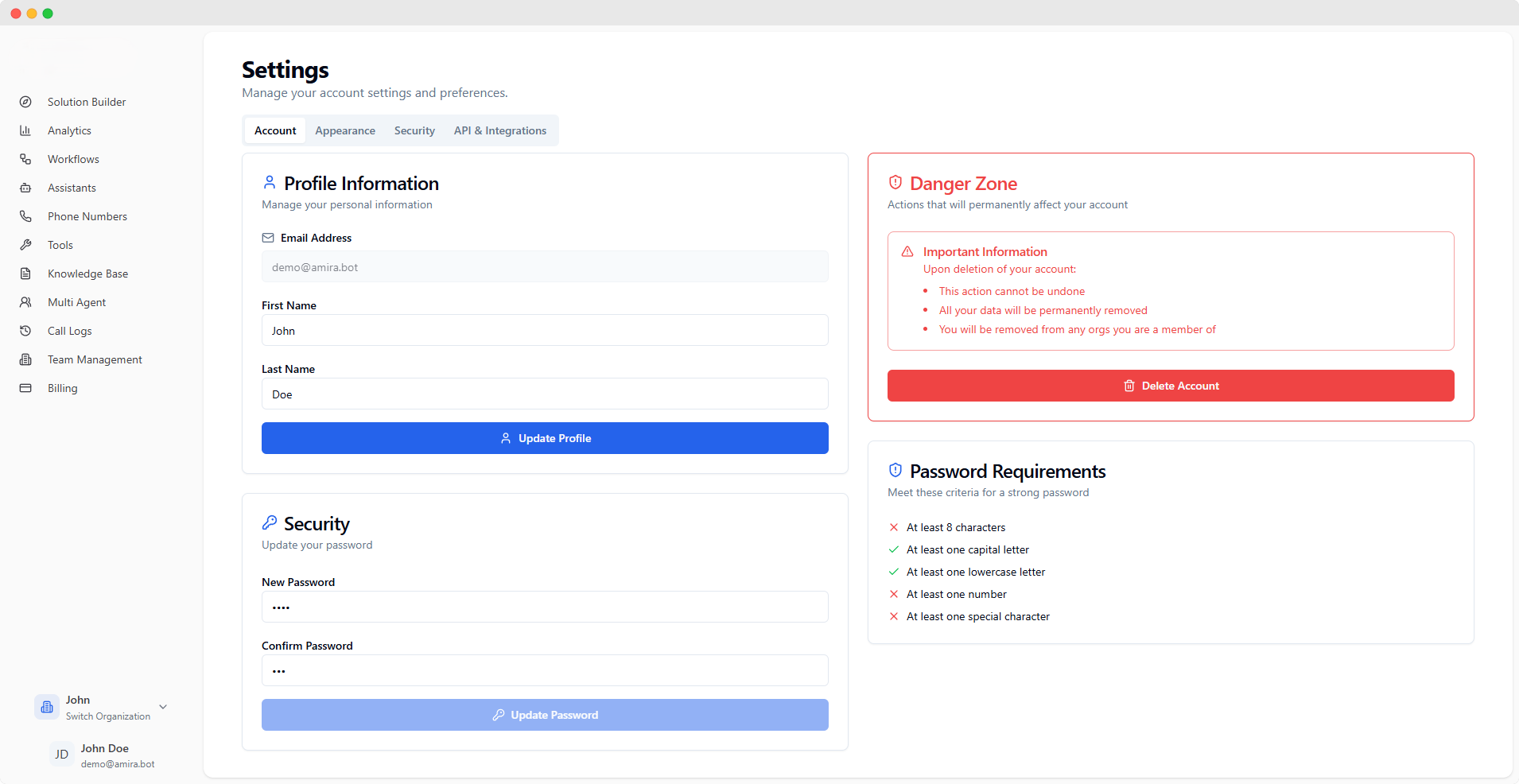
Password Fields Required inputs:
New Password
Confirm Password
Live Validation Requirements checked in real-time:
Minimum 8 characters
Capital letter
Lowercase letter
Number
Special character
Account Deletion Account deletion is permanent and irreversible. All associated data will be permanently removed.
Click “Delete Account” in Danger Zone
Review deletion consequences
Type confirmation phrase
Confirm deletion
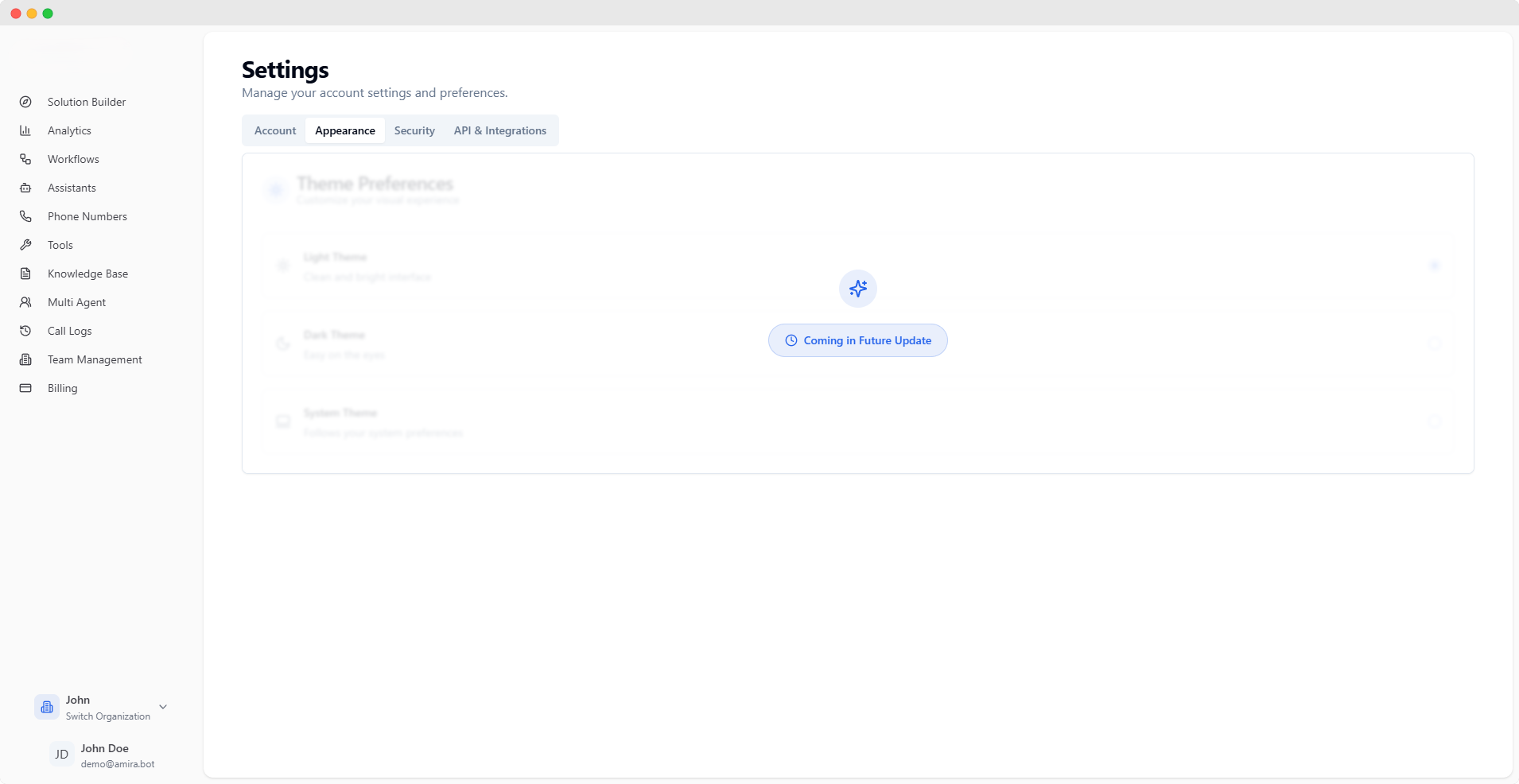
Theme customization is coming soon. Currently, the platform defaults to light mode.
Upcoming Features
Light/Dark mode toggle
Theme preferences
Visual customization options
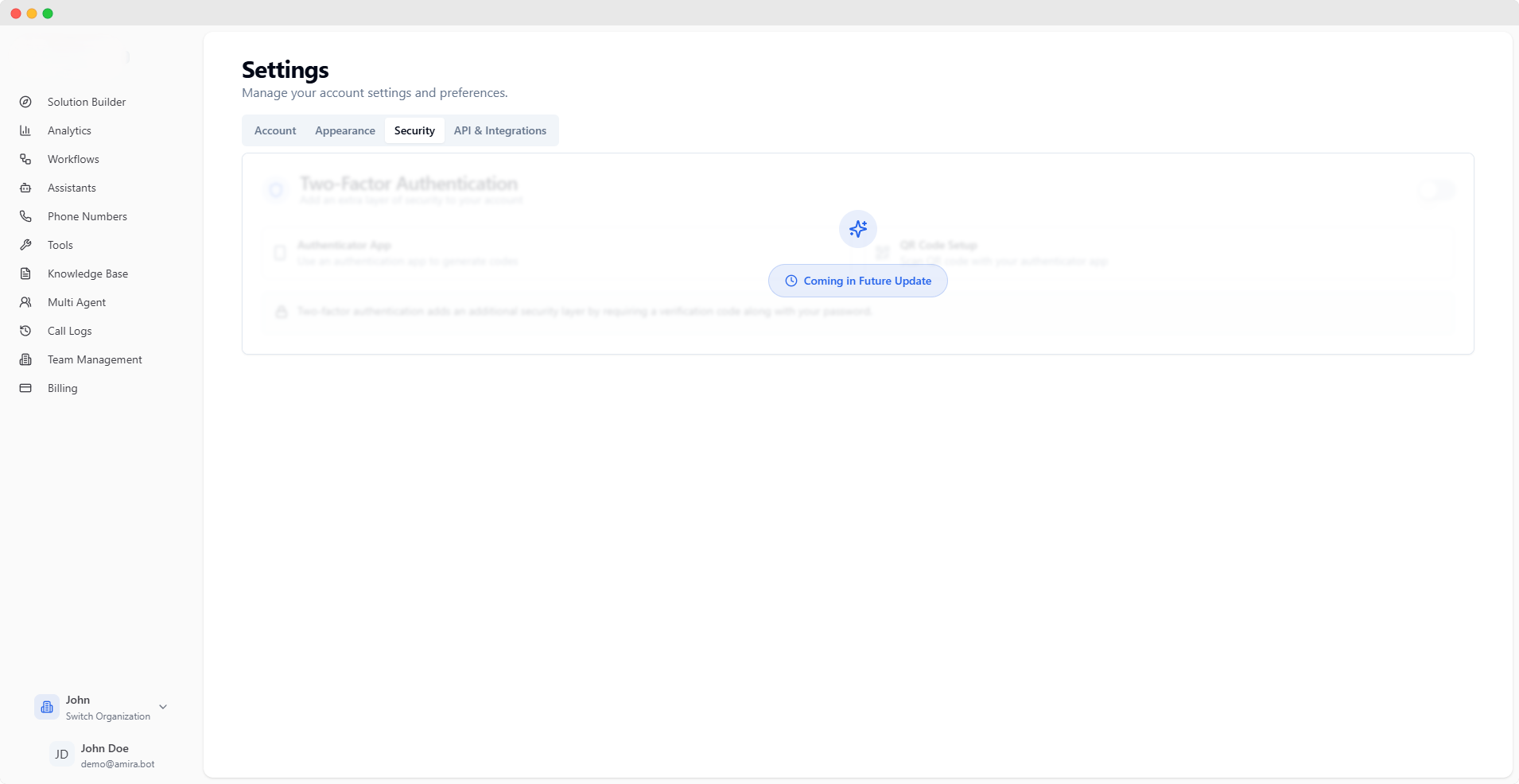
Two-Factor Authentication (2FA) support is coming soon to enhance your account security.
Upcoming Features
Two-Factor Authentication
Security logs
Session management
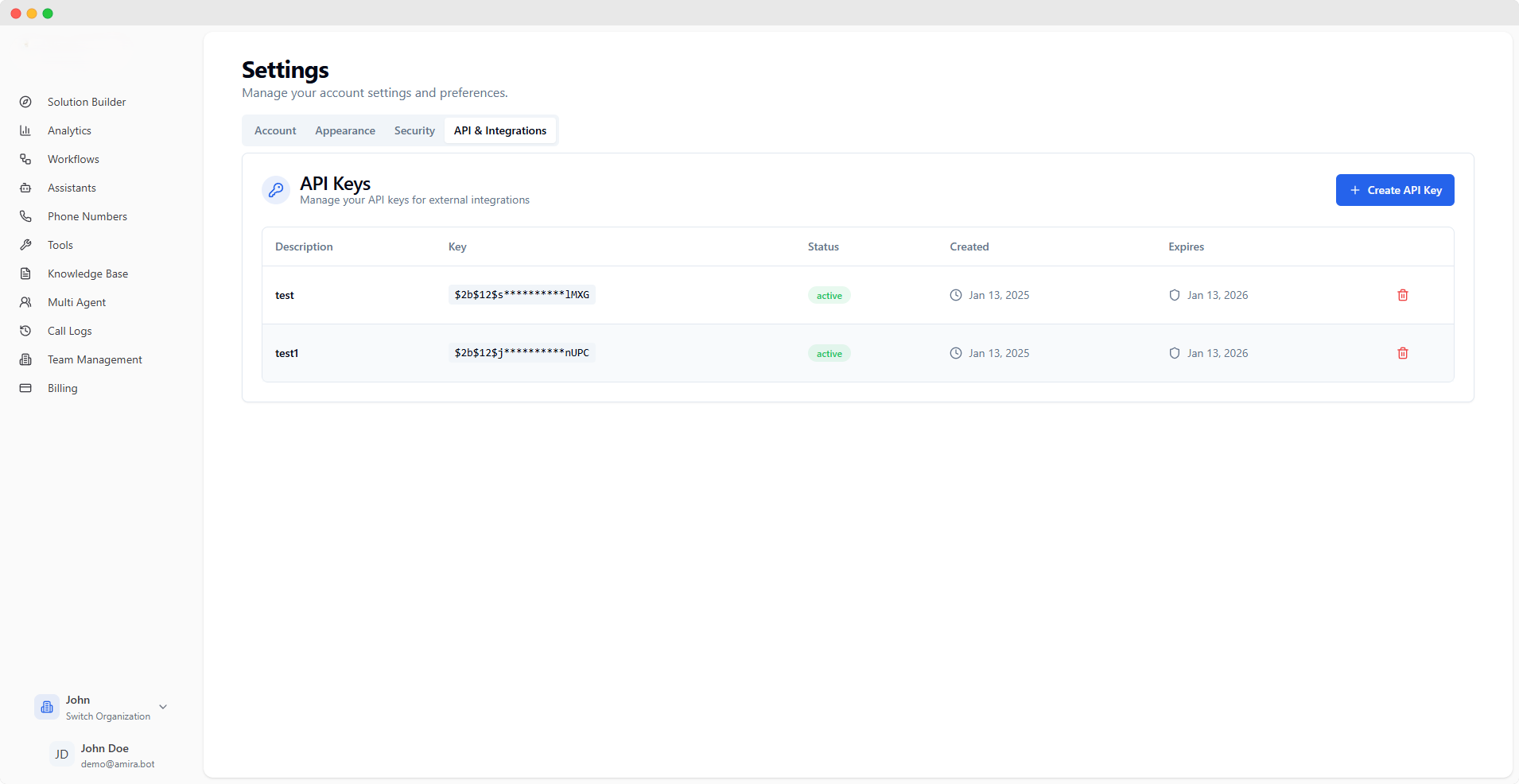
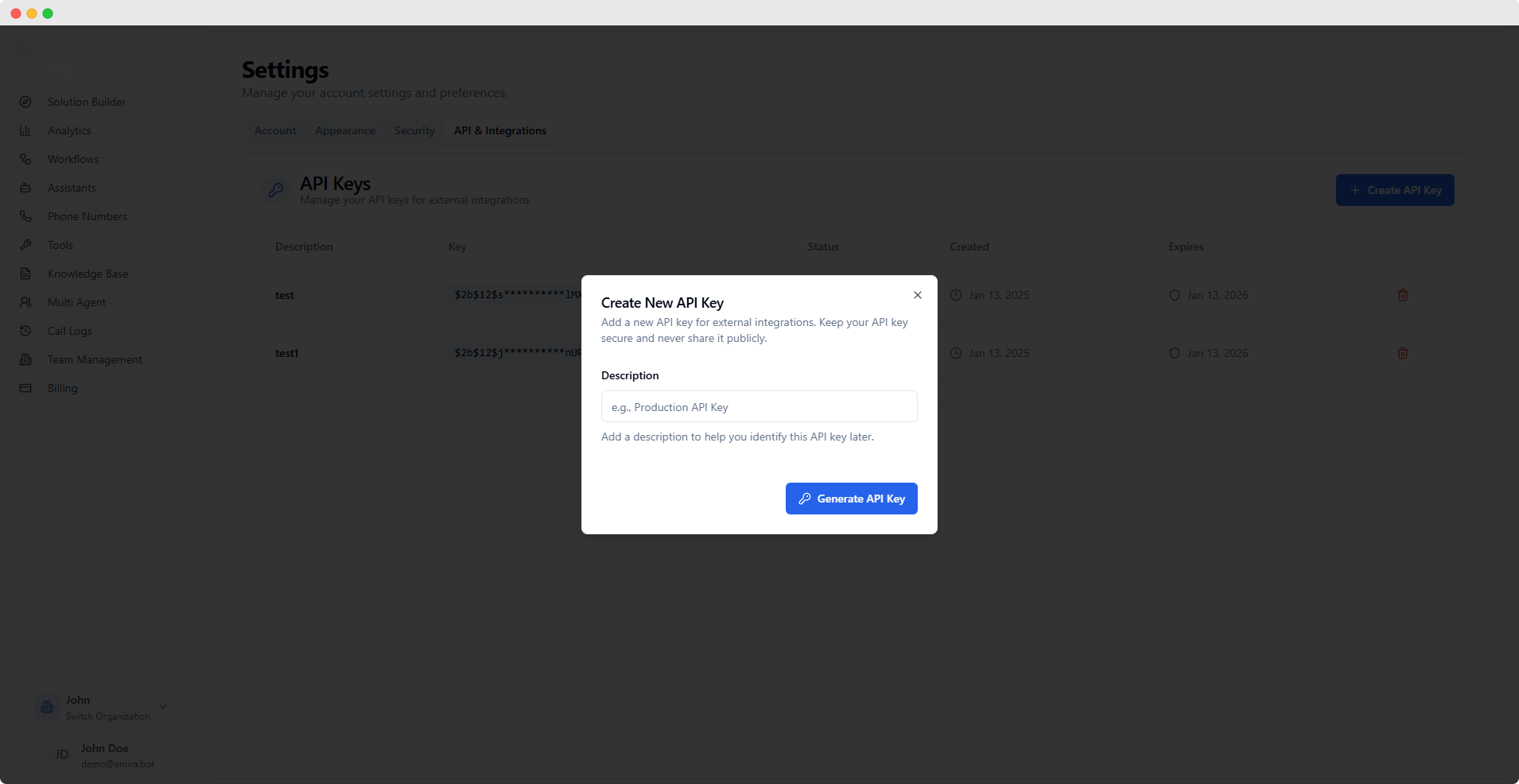
API Key Management Create and manage API keys for secure external integrations. Each key has a one-year validity period and inherits permissions based on your role-based access control (RBAC) settings within the current organization.
Organization Context API keys are organization-specific. When switching organizations, you’ll only see and manage API keys for your current organization, with access levels based on your role in that organization.
Organization Scope API keys are:
Specific to current organization
Not shared across organizations
Managed separately per org
Access Levels Permissions vary by:
Organization membership
Role in current org
Organization-specific settings
Access Control
Permission Inheritance API keys inherit access from:
Team management roles
Granted permissions
Feature access levels
Authorization Access is controlled by:
RBAC policies
User permissions
Feature restrictions
Creating New API Keys
Click “Create API Key”
Enter description (e.g., “Production API Key”)
Generate key
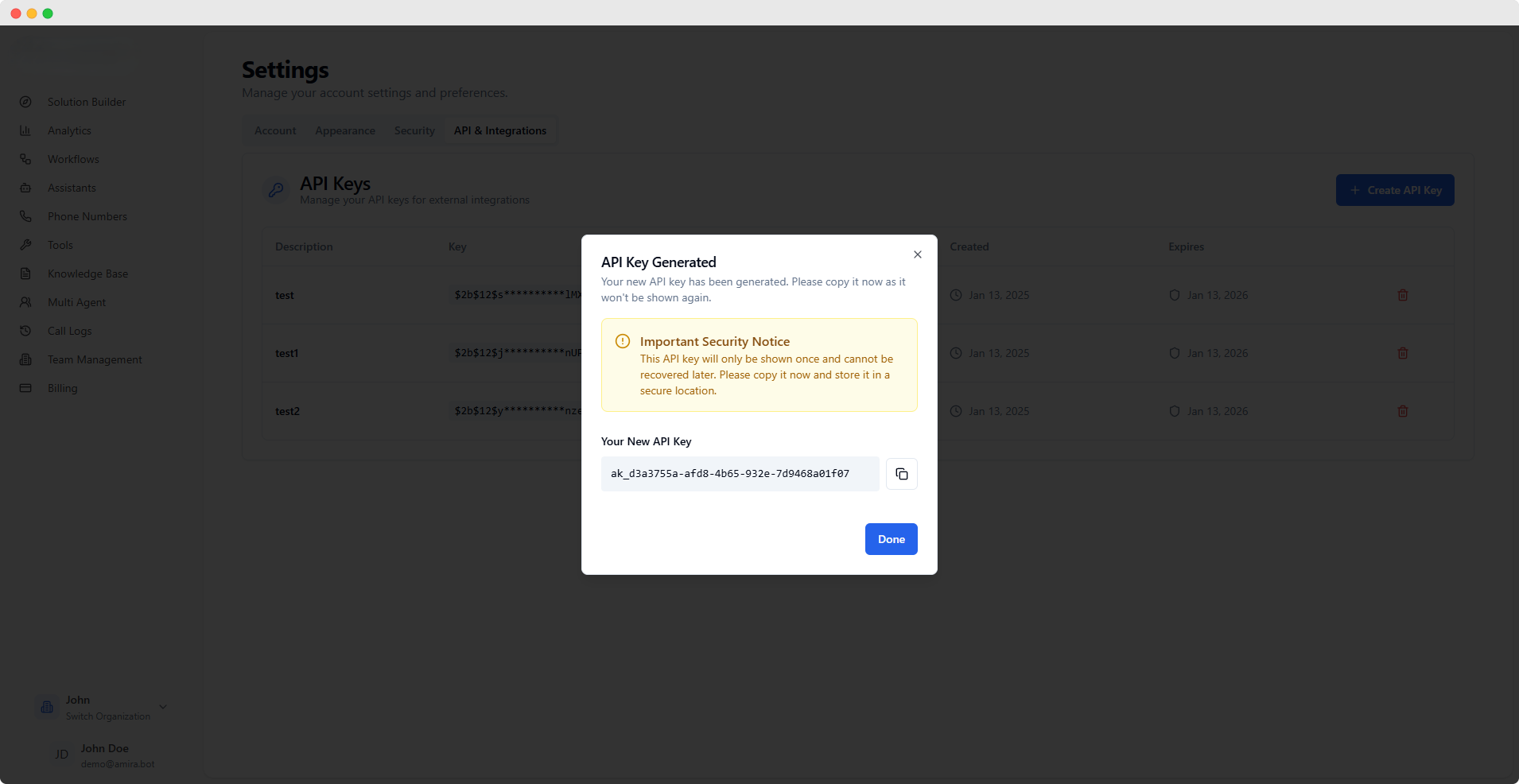
Copy and secure your key immediately
API keys are shown only once at creation. Copy and store them securely as they cannot be retrieved later.
API Keys Table Available information for each key:
Description
Masked Key
Status
Creation Date
Expiration Date
Key Management Actions available:
Create new keys
Delete existing keys
View key details
Security Features Protection measures:
One-time key display
Masked key in table
Immediate deletion option
Deleting API Keys Deleting an API key immediately revokes access for all services using that key. This action cannot be undone.
Locate key in table
Click delete action
Confirm deletion
Key access revoked immediately