
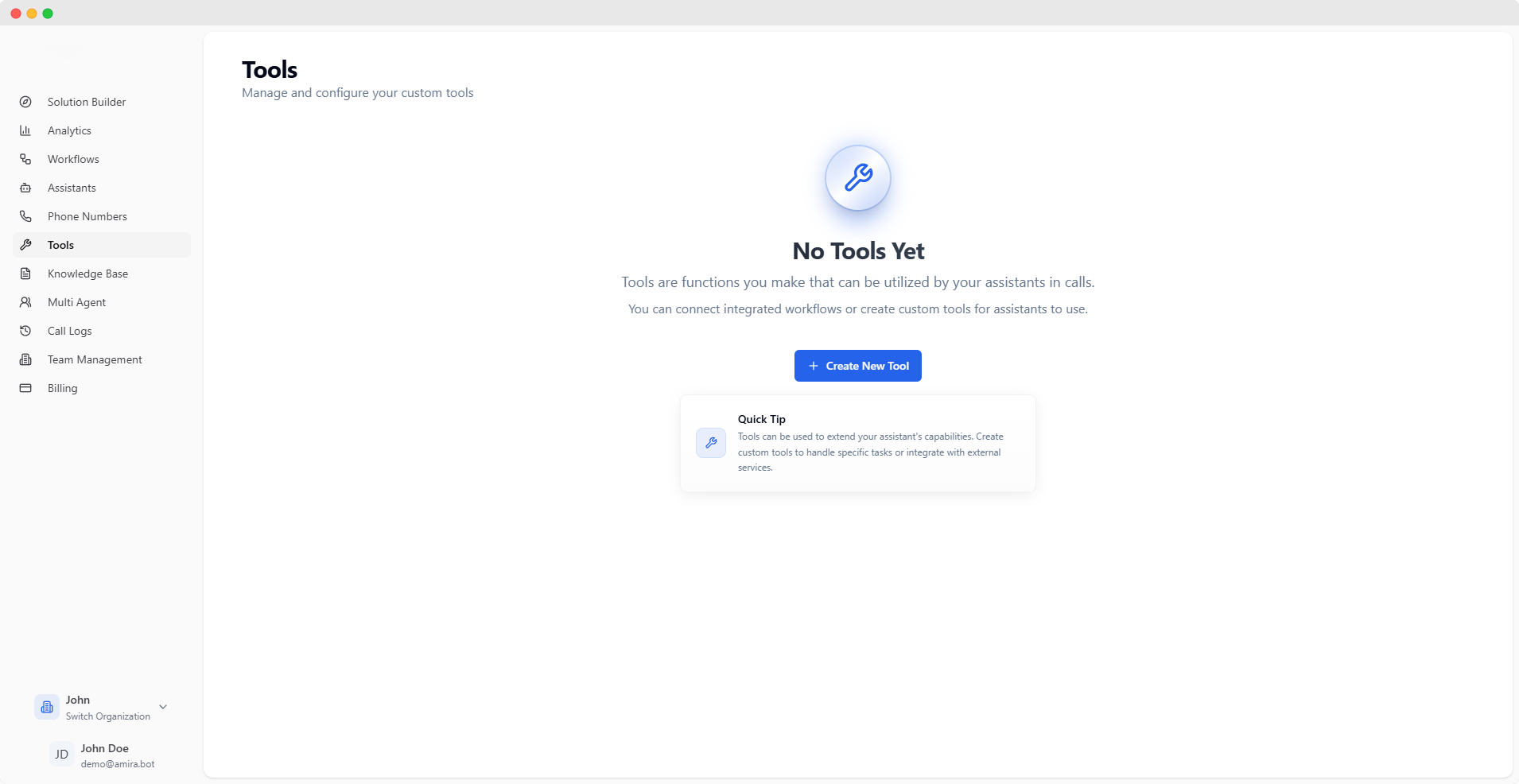
Custom Tools
Tools extend your assistant’s capabilities by connecting to external services or implementing custom functionality. Each tool is configured through a simple four-step process.Tools can be used to integrate with your existing systems, fetch data, or perform custom actions during calls.
Creating a Tool
- Connection
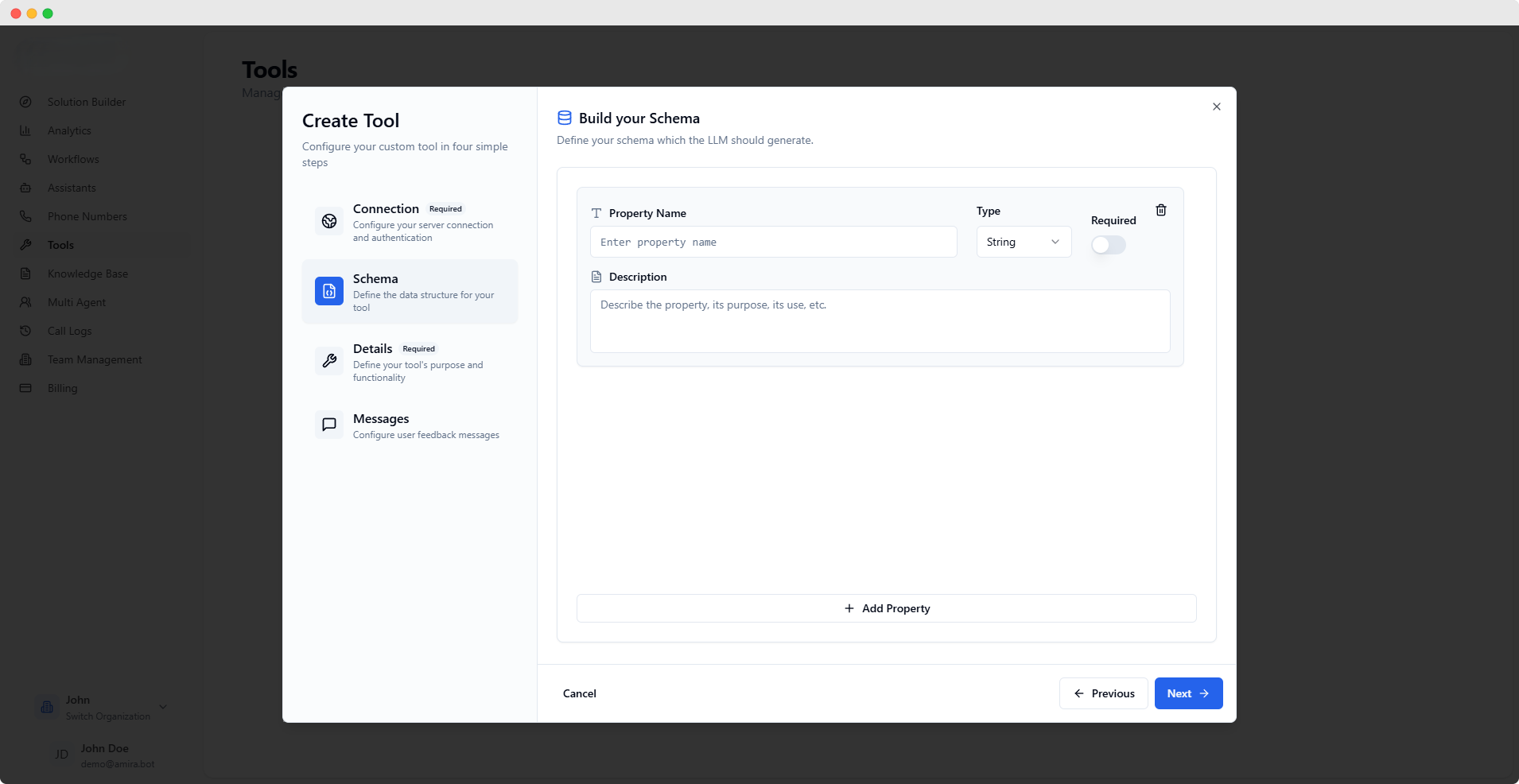
- Schema
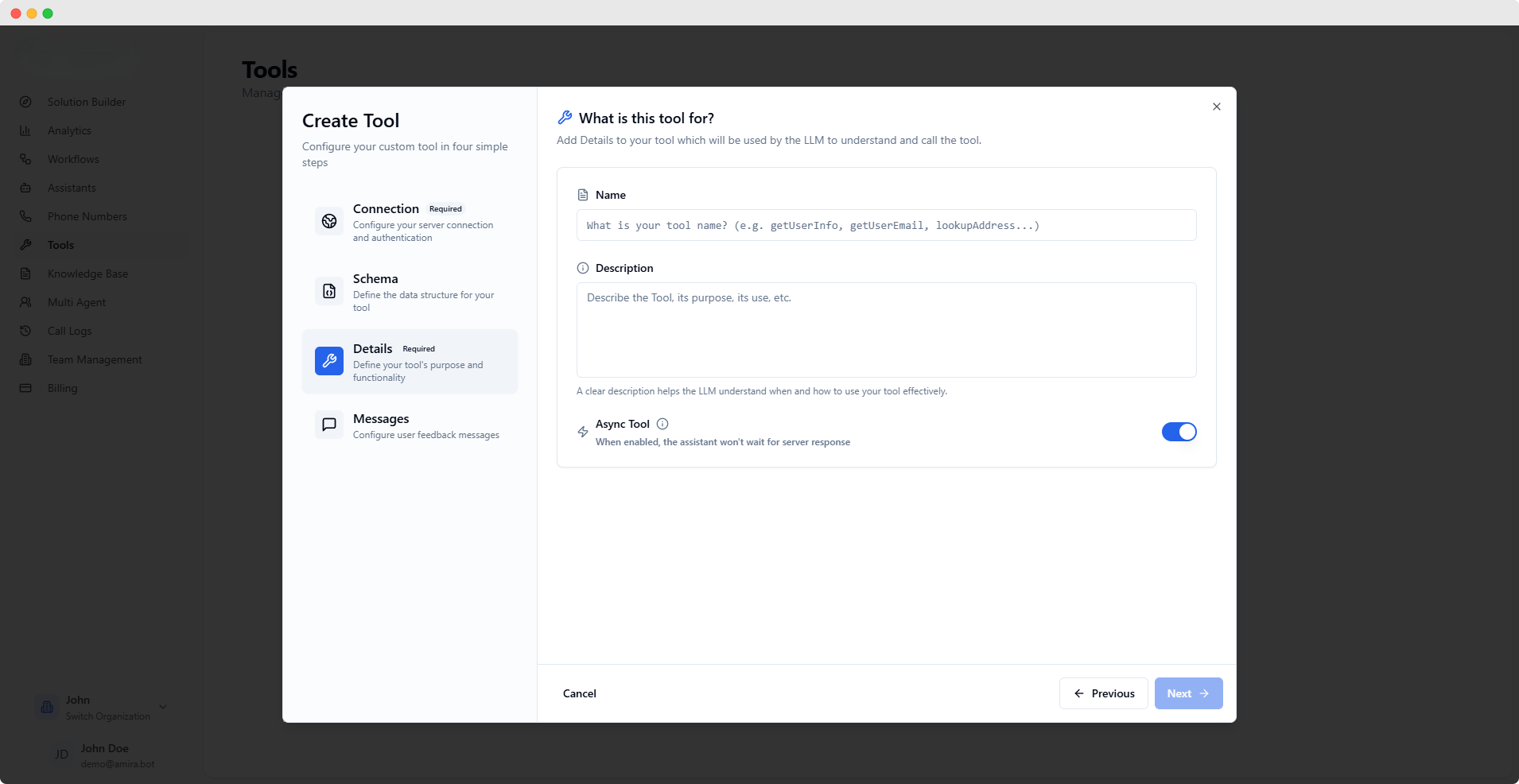
- Details
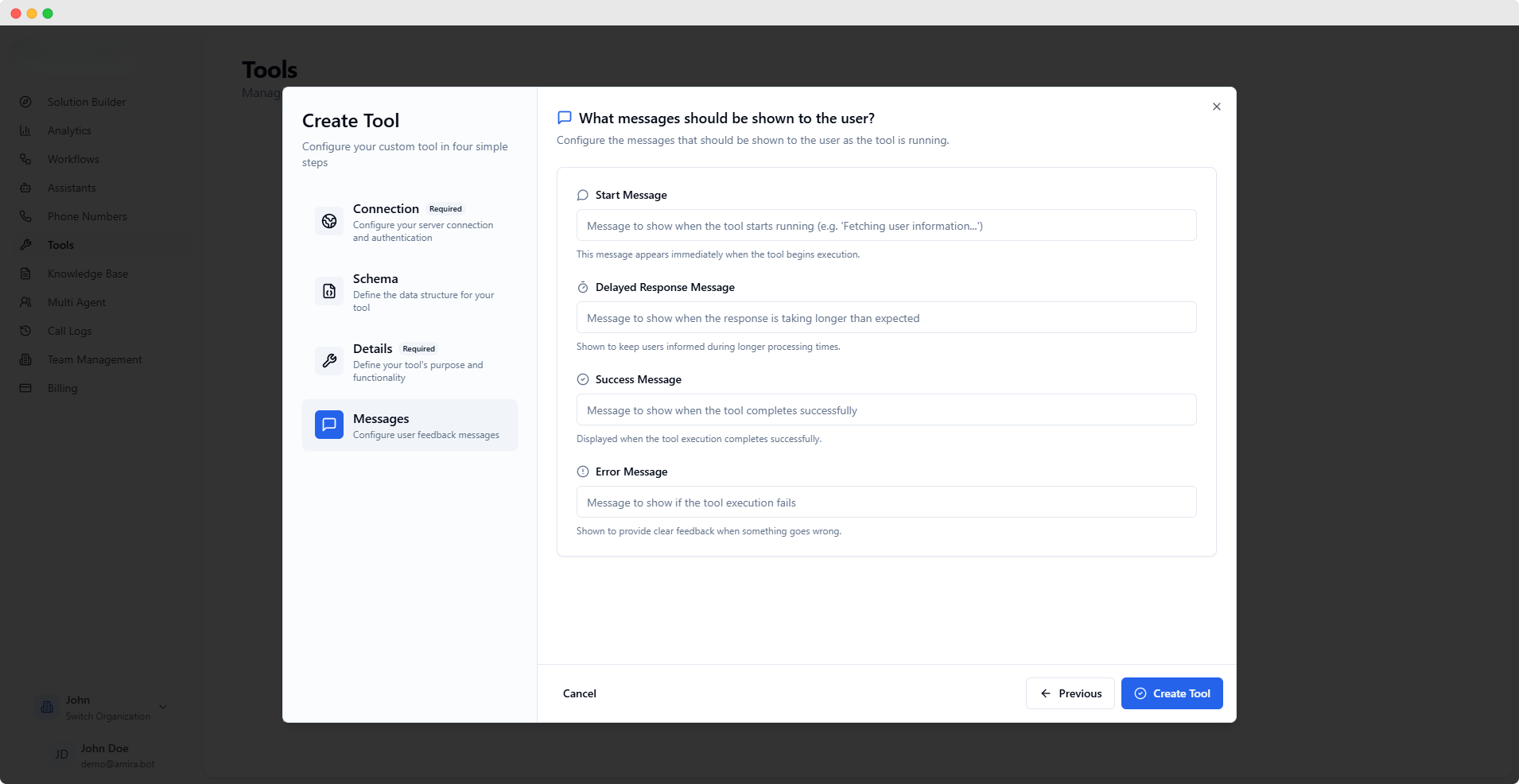
- Messages
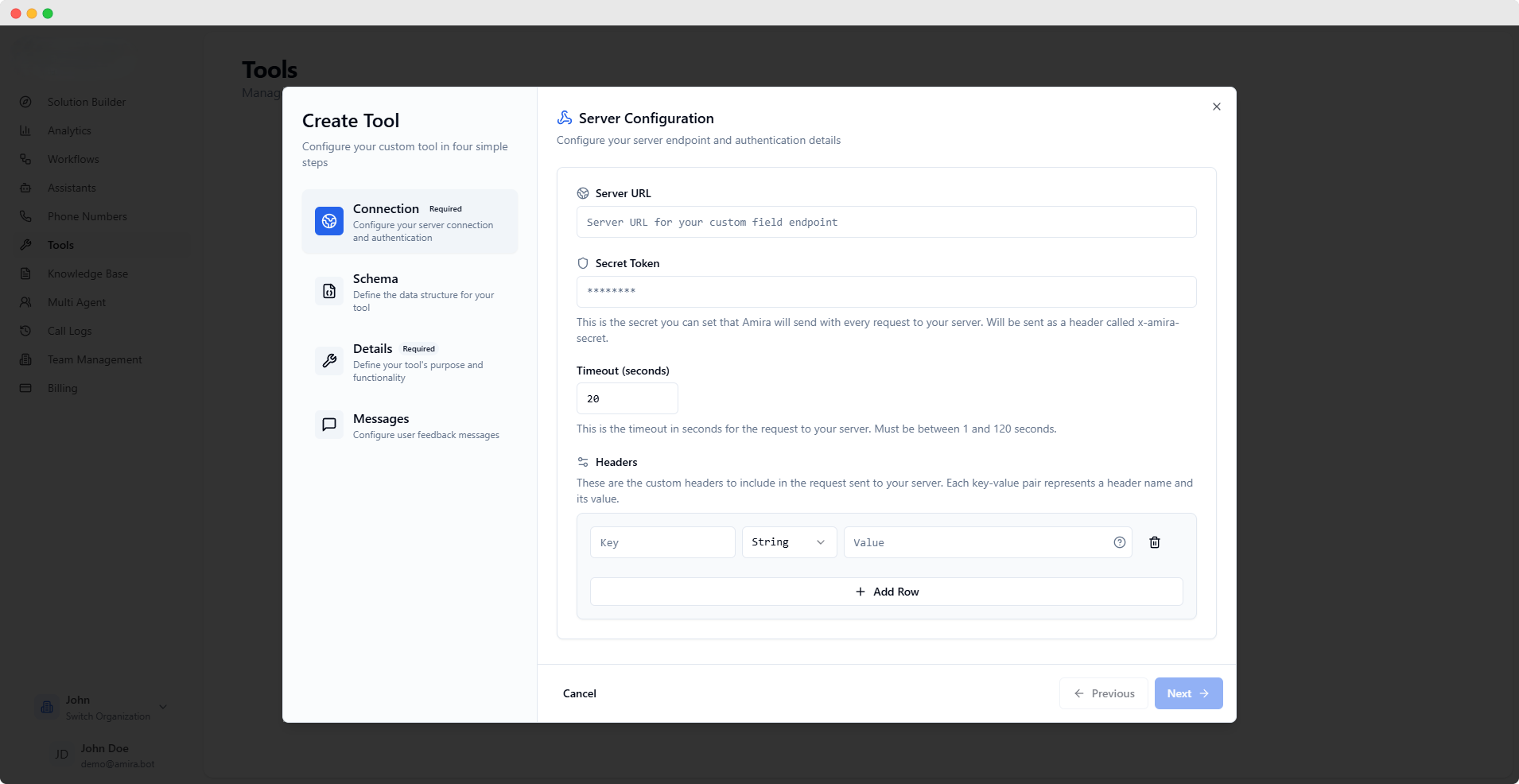
Server Configuration
string
required
Endpoint where your tool implementation is hostedThis is the URL that will be called when your tool is invoked
password
Authentication token sent with each requestSent as
x-amira-secret header for request verificationnumber
Maximum time to wait for server responseMust be between 1 and 120 seconds
Custom Headers
array
Additional headers for server requestsEach header can be configured with:
- Key: Header name
- Value: Header value
- Type: String, Number, Boolean, or Object
The Server URL is required to proceed. Other connection settings are optional but recommended for security and reliability.
Best Practices
Security
Always use authentication and validate requests using the secret token
Reliability
Set appropriate timeouts and handle errors gracefully
User Experience
Provide clear feedback messages for all tool states
Test your tools thoroughly before using them in production environments. Monitor their performance and user feedback to optimize their effectiveness.