
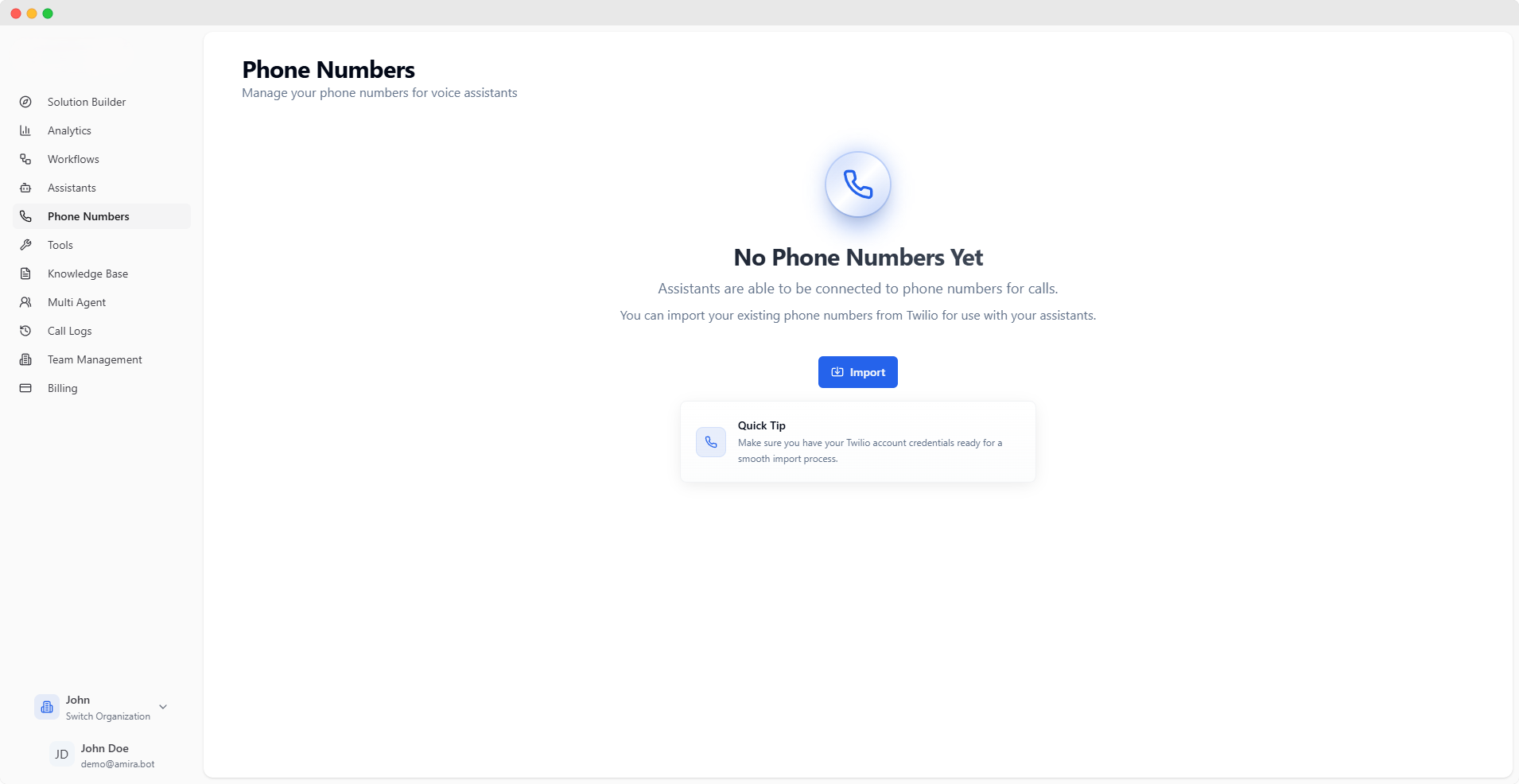
Importing Phone Numbers
Import your Twilio phone numbers to enable voice capabilities for your assistants.You’ll need an active Twilio account with phone numbers to proceed. Make sure you have your Twilio credentials ready.
Import Configuration
tel
required
Your Twilio phone number with country code (e.g., +49…)
string
required
Your Twilio Account SID starting with “AC”
Example: ACxxxxxxxxxxxxxxxxxxxxxxxxxxxxxxxx
password
required
Your Twilio Auth Token (kept secure and encrypted)
string
required
A descriptive label to identify this phone number
Phone Number Management
Each imported phone number can be configured for both inbound and outbound calls.- Inbound
- Outbound
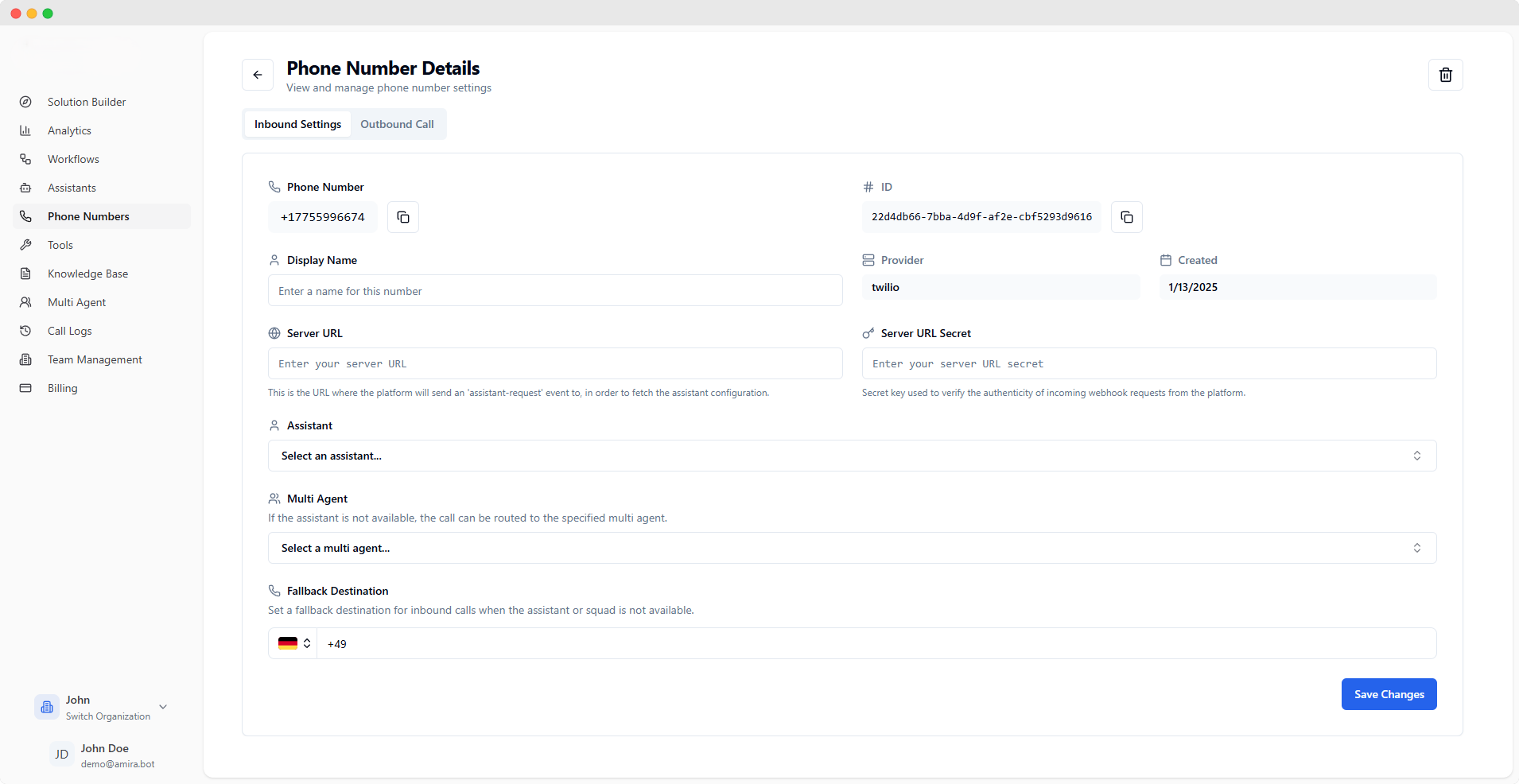
Inbound Call Configuration
string
Your active phone number (click to copy)
string
Unique identifier for this phone number configuration
Example: 22d4db66-7bba-4d9f-af2e-cbf5293d9616
string
A friendly name for this phone number configuration
string
Your telephony provider (e.g., Twilio)
string
Creation date of this configuration
Server Configuration
url
Endpoint for receiving assistant configuration requestsThe platform sends an ‘assistant-request’ event to this URL to fetch assistant settings.
password
Secret key for webhook authenticationUsed to verify incoming webhook requests from the platform.
Call Routing
select
Select the primary assistant for handling inbound calls
select
Optional backup squad for handling calls when the primary assistant is unavailable
tel
Phone number for routing calls when neither assistant nor squad is available
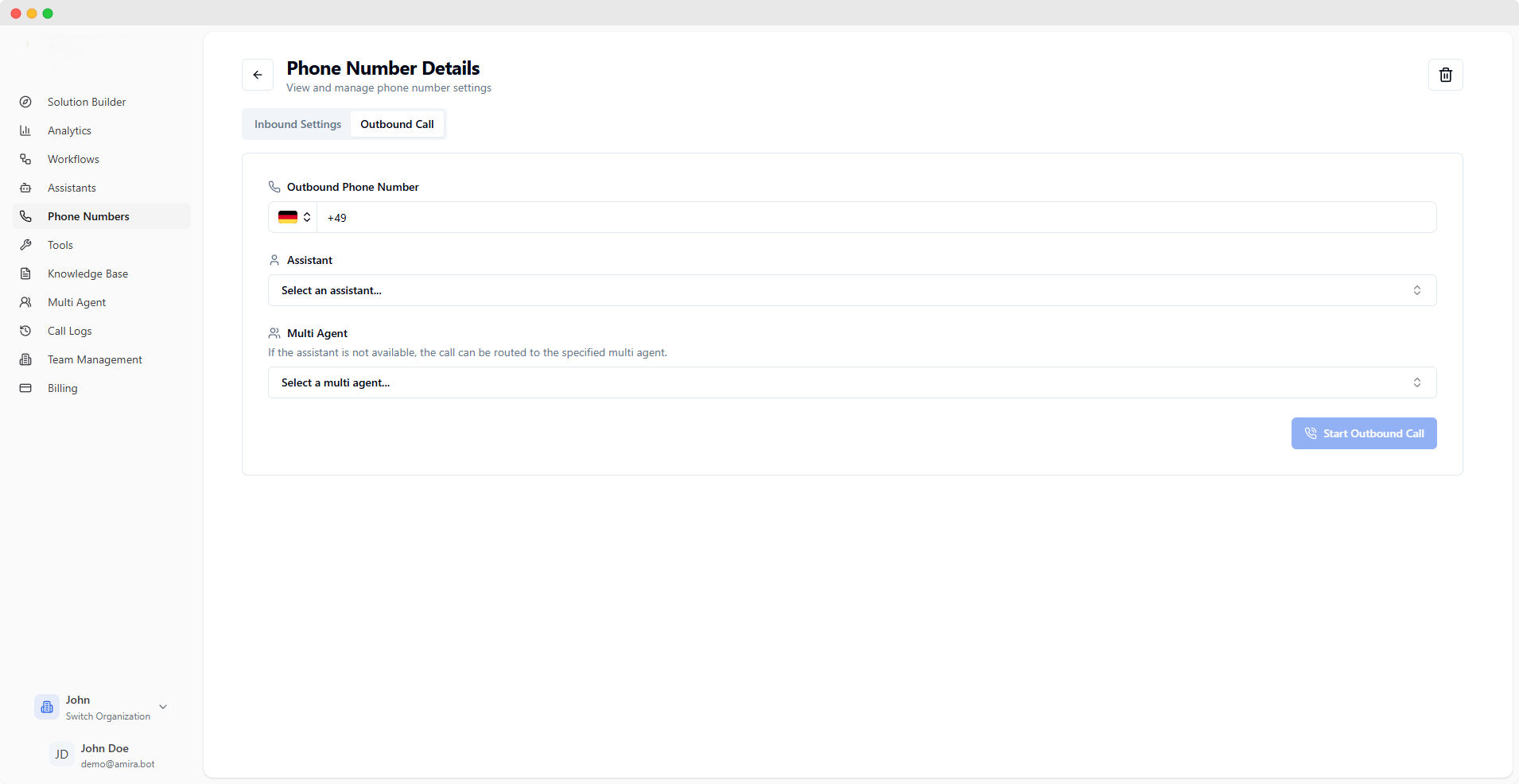
You can add multiple phone numbers to your account, each with its own configuration for inbound and outbound calls.